
Best budget car phone mounts for dashboard options can be genuinely solid in 2026, as long as you match the mount style to your dash material, your phone weight, and how bumpy your commute gets.
The annoying part is that many “cheap” mounts fail in predictable ways, suction cups creep in summer heat, adhesive pads peel on textured dashboards, and weak ball joints sag as soon as you hit a pothole. You do not need a $60 mount to avoid that, but you do need to shop with a little strategy.
This guide narrows the field to what typically matters most at the budget tier: how the mount grips, how the arm and joint hold position, and whether it plays nicely with MagSafe cases or thicker Android phones. I also included a quick fit checklist, a comparison table, and practical setup tips so the mount stays put.
What “budget” should still deliver in 2026
Price matters, but in this category the real cost shows up later, when the mount slides, blocks your vents, or forces you to re-stick adhesive every week. A budget-friendly pick still needs a few non-negotiables.
- Stable base: suction that seals well on glass, or adhesive that bonds on your dash surface without curling at the edges.
- Joint that holds: look for a ball joint with strong tension, not a loose plastic collar that backs off after a day.
- One-hand docking: if you need two hands to mount your phone, you will stop using it.
- Phone fit: thick cases, camera bumps, and larger phones stress cheap clamps.
According to NHTSA, driver distraction is a safety concern, so any setup that encourages extra fiddling while driving is a deal-breaker, even if the mount is inexpensive.
Dashboard mount types (and who they’re actually for)
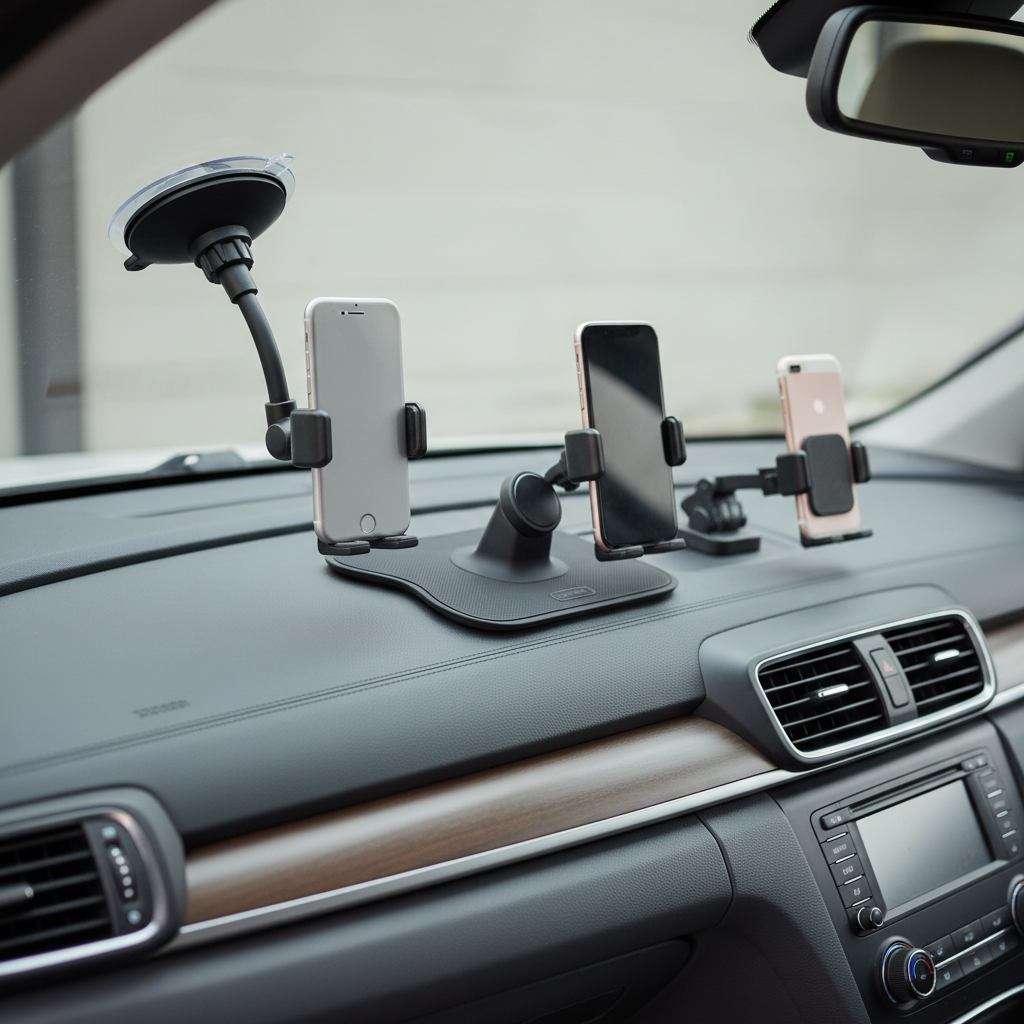
Most “dashboard” mounts fall into three camps, suction cup (often windshield-capable), adhesive base, and magnetic pad. Each has a place, but they fail differently.
Suction cup with dash pad
This is the most flexible style for the money. The better kits include a dash disc you stick to the dashboard, then the suction cup locks onto that disc. If you rent cars or switch vehicles often, this is usually the easiest path.
- Works best: smoother dashboards, moderate climates, drivers who want repositioning options
- Watch for: weak lever locks, tiny suction cups, long arms that bounce on rough roads
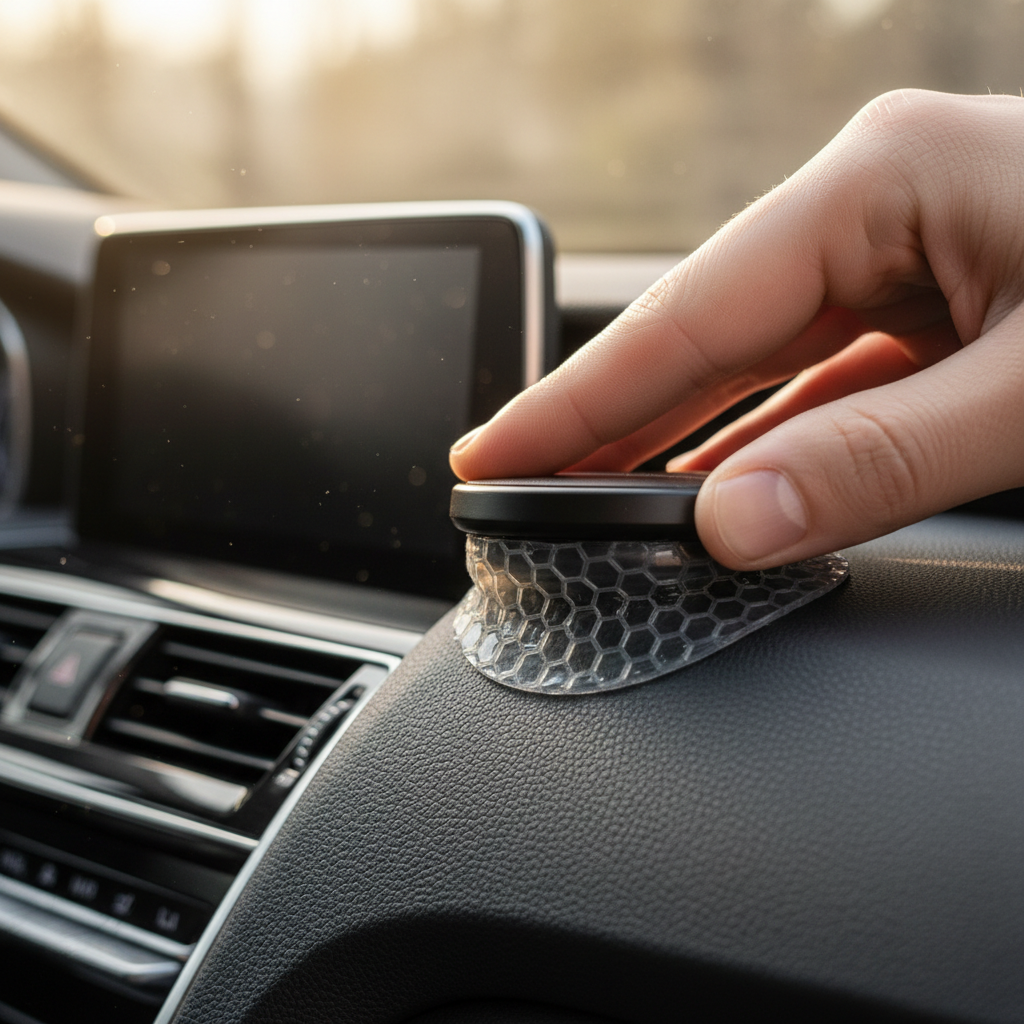
Adhesive base (direct stick)
Direct-stick mounts can be very steady when installed on a clean, compatible surface. The tradeoff is removal risk: some adhesives leave residue, and some dashboards have coatings that do not love being pulled.
- Works best: textured dashboards where suction struggles, shorter mounts with low leverage
- Watch for: summer heat softening the pad, curved dashboards reducing contact area
Magnetic dashboard mounts (MagSafe and non-MagSafe)
Magnetic mounts feel “premium” even at low prices because they are fast. With iPhones, MagSafe-compatible magnets can be great if the magnet array is strong and the mount base is stable. For non-MagSafe phones, the metal plate approach works, but it may interfere with wireless charging and can feel clunky with certain cases.
- Works best: drivers who mount and remove the phone frequently, navigation-heavy routines
- Watch for: weak magnets, thick cases reducing hold, heavier phones bouncing on potholes
Quick self-check: which mount fits your car and routine?
If you want fewer returns, answer these before you buy. Most “best budget car phone mounts for dashboard” lists skip this part, then people blame the product when the real mismatch is the dash surface or placement.
- Dash surface: smooth plastic, rubberized, leatherette, heavily textured, or fabric-like
- Heat exposure: parked outdoors in Arizona-style heat, or mostly garage and mild temps
- Road vibration: city potholes, gravel roads, or mostly smooth highway
- Phone + case: heavy phone, thick case, MagSafe case, pop socket, big camera bump
- Preferred location: low near center console, higher near vents, or near A-pillar
If your dash is heavily textured and you park in high heat a lot, many budget suction setups struggle, an adhesive base with a shorter arm often behaves better. If you swap cars, suction plus a dash disc stays more practical.
Comparison table: what to look for at common budget price points
Brands change fast, but the build patterns do not. Use this table to sanity-check listings, especially on marketplaces where photos look identical across sellers.
| Budget tier | Mount style you’ll see most | Typical strengths | Common failure point | Who it fits |
|---|---|---|---|---|
| $10–$15 | Basic suction cup or simple clamp | Low cost, easy to try | Loose ball joint, shaky long arm | Light phones, short commutes |
| $15–$25 | Suction + lever lock, adhesive bases, entry MagSafe | Better joint tension, stronger base options | Adhesive pad quality varies a lot | Most drivers, most phones |
| $25–$35 | Stronger MagSafe, improved materials | Faster use, less droop, nicer mechanisms | Counterfeits and inflated “MagSafe” claims | Frequent mounting, heavier phones |
How to pick a good budget mount without overthinking it
When you cannot touch the product before buying, the listing details become your proxy. Here are the signals that usually correlate with fewer headaches.
- Arm length: shorter arms wobble less. If you need reach, prefer a sturdier gooseneck with thick metal core, not thin plastic.
- Ball joint design: a bigger ball joint and a tighter locking ring tends to hold better over time.
- Base area: more contact area matters for adhesive bases, tiny pads fail more in heat.
- Clamp padding: rubberized grips reduce slip, especially with smooth cases.
- Claim realism: “universal fits all cars” is marketing, focus on mechanism and materials instead.
For MagSafe-style budget options, look for clear language about MagSafe compatibility versus “magnetic,” and check whether your case supports it. A strong magnet is nice, but a weak base still falls off, so prioritize base stability first.
Setup steps that make cheap mounts last longer
Even the best budget car phone mounts for dashboard can fail early if the install is rushed. These small steps often make the difference between “worked for two days” and “still fine months later.”
For suction cup mounts
- Clean the dash disc or windshield area with isopropyl alcohol, then let it dry.
- Warm the suction cup slightly with your hands in cold weather so the rubber seals better.
- Lock the lever firmly, then wait a few minutes before adding the phone, especially in colder temps.
- Keep the arm as short as practical, long reach increases shake.
For adhesive bases
- Test placement first, sit in driving posture and confirm sightlines and reach.
- Clean the dash area thoroughly, oils and dressings are the silent adhesive killers.
- Press hard for 30–60 seconds, then give it time to bond before loading weight.
- If your dash is coated or delicate, consider a removable dash pad accessory instead of direct-stick.
For magnetic mounts
- Confirm your case supports MagSafe, otherwise expect weaker hold.
- Center the phone on the magnet, off-center placement increases drop risk on bumps.
- If you use a metal plate, place it so it does not interfere with camera modules and comfort grip.
Mistakes that waste money (even on “cheap” mounts)
- Mounting on a curved or soft dash spot: the base slowly peels as the adhesive flexes.
- Cleaning with glossy protectants: many dressings leave residue that prevents bonding.
- Putting the phone too high: it may block view, and it tends to invite more on-screen interaction.
- Ignoring phone weight: large phones plus heavy cases make weak joints droop.
- Assuming heat ratings are universal: “heat resistant” varies by adhesive formulation and real cabin temps.
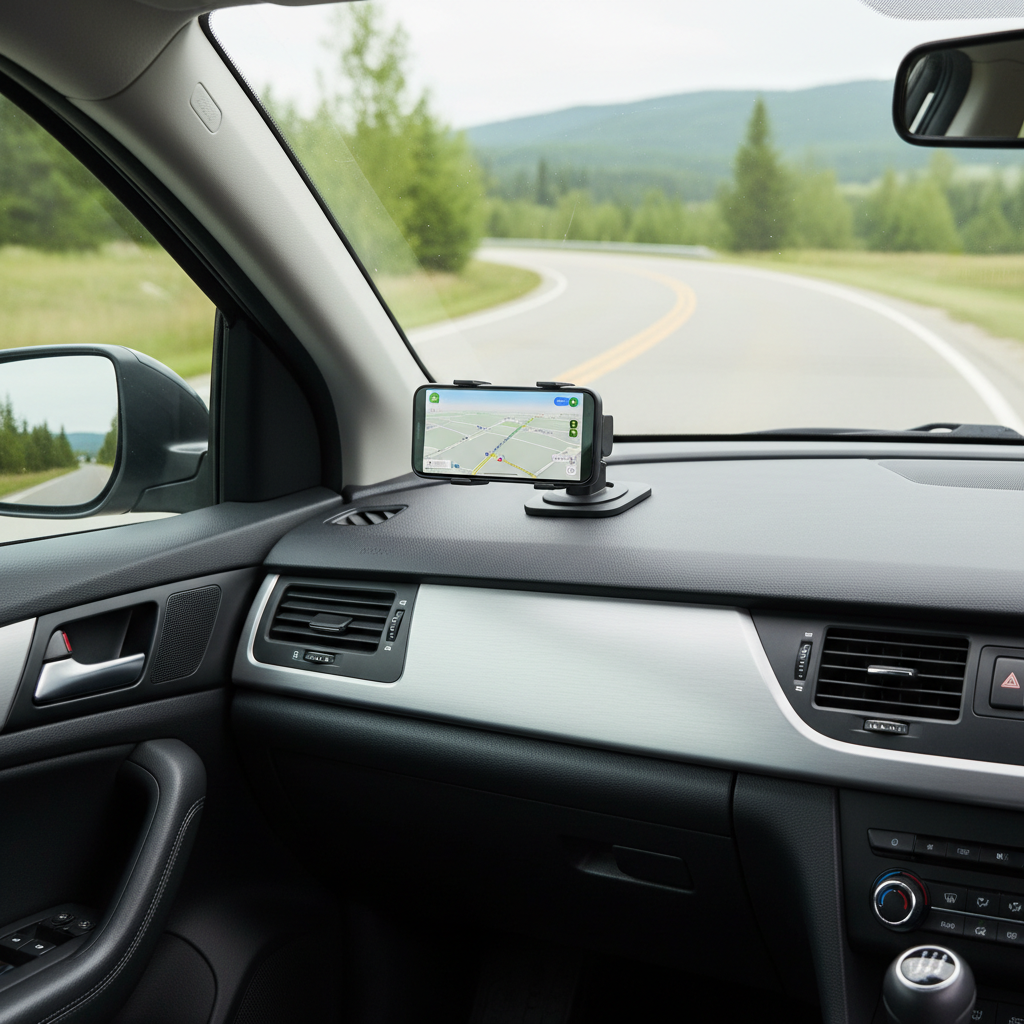
On placement, aim for “quick glance” visibility without obstructing the road. If you find yourself reaching far or adjusting the mount often, that setup likely increases distraction. According to the CDC, distracted driving is a safety risk, so it is worth treating mount placement as part of safer driving habits.
When it’s worth stepping up (or asking a pro)
Budget gear is fine for most people, but a few situations justify a higher-quality mount or a different approach.
- Very high heat exposure: if your car bakes in direct sun daily, an upgraded adhesive system or a different mounting location may hold up better.
- Commercial driving: rideshare or delivery drivers often mount and remove the phone constantly, stronger joints and faster docking pay off.
- Special dashboards: stitched leather, fabric, or uniquely coated surfaces can be tricky, an installer or detail shop may advise on safe attachment points.
- Electrical add-ons: if you want hardwired charging or a wired CarPlay/Android Auto setup, a professional install can reduce rattles and cable clutter.
If a mount blocks airbags, obstructs visibility, or forces awkward posture, it is a sign to change the plan rather than “make it work.” Local driving laws can vary, so if you are unsure about placement rules, checking your state guidance is a safer move.
Key takeaways and a simple buying plan
If you want a clean path to a good purchase, pick the mount type based on your dash surface and climate, then prioritize a stable base and a joint that holds tension. The listings that focus on flashy features but avoid material details are usually where budget buyers get burned.
- Smooth dash or you swap cars often: suction + dash disc is usually the least risky.
- Textured dash and lots of vibration: short adhesive-base mounts often stay steadier.
- Fastest daily use: magnetic can be great, but only if the base is strong and your case supports it.
Action step: take two minutes today to check your dash texture and your preferred sightline, then choose a mount style around that. It saves you from buying three “cheap” mounts that add up to one expensive mistake.
FAQ
What is the best budget car phone mount for dashboard if my dash is textured?
Many textured dashboards defeat suction seals, so a short adhesive-base mount or a suction mount that uses a dedicated dash disc tends to behave better. The real win comes from surface prep and giving the adhesive time to bond.
Do suction cup mounts work on dashboards, or only on windshields?
They can work on dashboards if the surface is smooth enough or if you use a dash pad disc. On soft-touch or grainy textures, suction often breaks slowly over time, especially in heat.
Are magnetic mounts safe for my phone?
In many everyday cases, magnets do not harm modern smartphones, but accessories can interact differently with specific devices or medical implants. If you have a medical device concern, it is smart to consult a medical professional and follow device manufacturer guidance.
Will a cheap mount fall off in summer heat?
It can, especially with weaker adhesives or small suction cups. Parking in direct sun, using dashboard shine products, and mounting on curved areas raise the odds of failure even for decent budget models.
Should I choose a clamp mount or a MagSafe-style mount?
If you use a thick case or a non-MagSafe phone, a clamp gives more predictable retention. If you mount and remove the phone constantly and your case supports MagSafe, magnetic can feel much smoother day to day.
Where should I place a dashboard phone mount for safer driving?
A spot that preserves a clear road view and keeps the phone within a quick glance usually works best. If the mount blocks visibility, interferes with airbags, or makes you reach, rethink placement before committing.
My mount keeps drooping. Is it broken?
Not always. Drooping often comes from a weak ball joint, an arm that is too long, or a phone that is heavier than the joint can hold. Tighten the locking collar, shorten the arm if possible, and reduce case weight before replacing.
If you are trying to choose between two or three budget options and want a quicker yes-or-no based on your dash surface, phone model, and climate, it can help to share those details and narrow it to a mount type before you spend money again.