
best budget wired gaming mice for esports usually come down to a few non-negotiables: a solid sensor, a comfortable shape you can repeat for hours, and buttons that don’t start misclicking after a couple months of ranked.
If you’ve ever bought a “cheap gaming mouse” that felt fine on day one but turned jittery, spun out, or developed a squeaky click later, you already know why this topic matters. In esports and even casual shooters, consistency beats flashy RGB every time.
This guide focuses on what actually changes performance at a budget price, how to tell which tradeoffs are acceptable, and how to pick a model that fits your grip and game style without paying for features you won’t use.
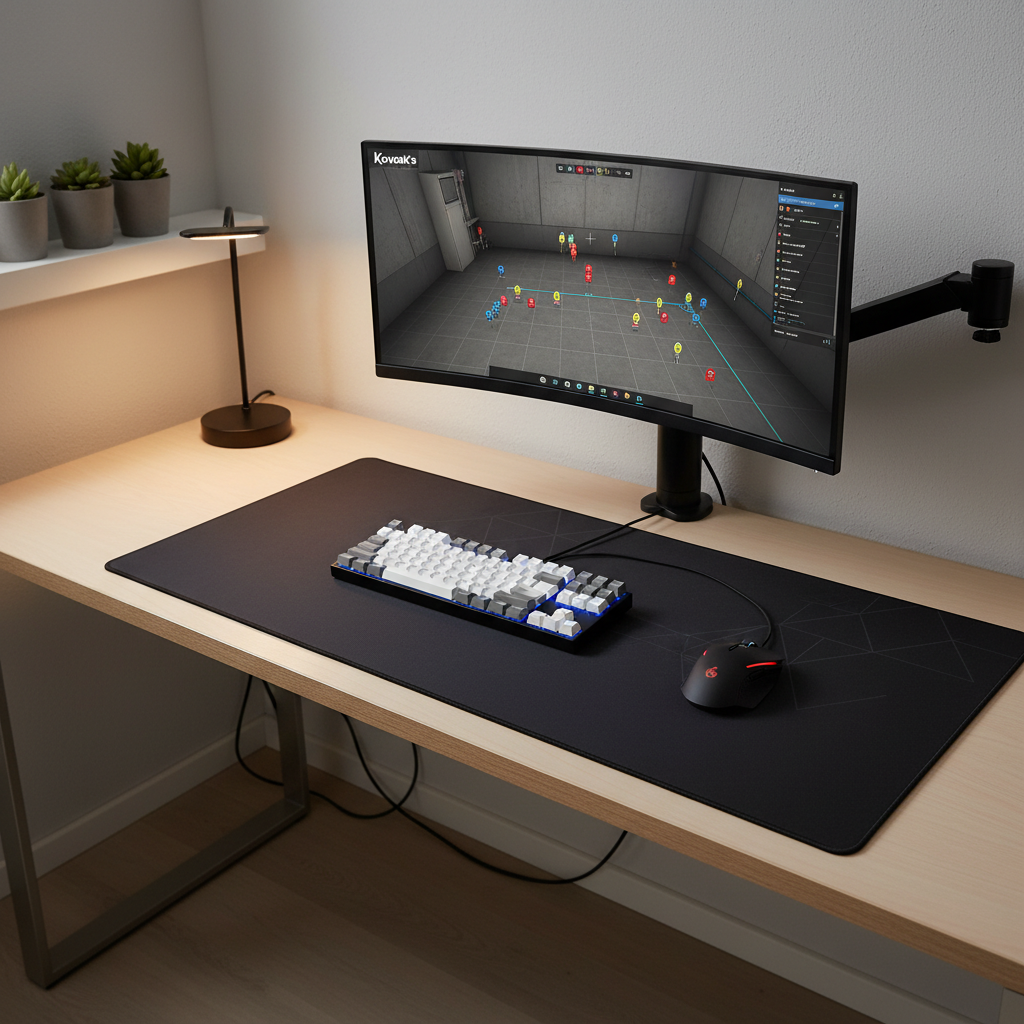
What “budget” should still include for esports
You can save money and still get a mouse that behaves like a “real” competitive tool. The trick is knowing which specs are marketing, and which ones show up in your aim.
- A reputable sensor implementation: look for modern optical sensors from known brands and, more importantly, good real-world tracking with no obvious jitter or acceleration. The sensor model matters, but firmware and tuning matter too.
- Stable click feel: crisp actuation and decent switch quality reduce misfires. You don’t need exotic switches, you need predictable ones.
- Comfortable shape: shape beats spec sheets. If the hump, width, or flare fights your grip, you’ll compensate with tension and fatigue.
- Reasonable weight: many players like lighter mice for fast FPS. That said, “light” is personal, and some budget mice go too light with flexy shells.
- Decent cable: a stiff cable can feel like drag. A flexible “paracord-style” cable is a nice bonus, but not mandatory if you can manage it with a bungee.
According to NVIDIA, system latency is a key part of responsive gameplay, and mouse performance is one contributor in that chain. You don’t need to become a latency engineer, just avoid obvious weak links that add inconsistency.
Quick comparison table: how to choose the right budget wired mouse
Use this as a practical filter. You’ll notice price isn’t the only “budget” variable; your grip and game decide what feels premium.
| Player profile | Grip & hand feel | What to prioritize | Typical tradeoff to accept |
|---|---|---|---|
| Competitive FPS (Valorant/CS2) | Claw or fingertip, controlled micro-adjustments | Sensor consistency, lighter weight, clean feet | Less RGB, simpler software |
| Hybrid (Apex/Fortnite + work) | Palm-claw mix, longer sessions | Comfort shape, reliable clicks, sturdy scroll | Slightly heavier body |
| MOBA/MMO casual | Palm grip, lots of clicking | Button durability, scroll feel, side buttons | Not the lightest option |
| Small hands / travel setup | Fingertip, compact preference | Short length, low front height, flexible cable | Less support for palm grip |
Shortlist: best budget wired gaming mice for esports (by scenario)
Rather than pretending there’s one “winner,” here are the categories that tend to produce the best outcomes for most players. Exact availability and pricing can change week to week, so treat this as a buying framework you can apply to current deals.
1) Safe all-rounders (most people should start here)
- Medium-size symmetrical shape that works for claw and relaxed fingertip
- Proven optical sensor behavior with stable tracking at common esports sensitivity ranges
- Simple, usable software for DPI stages and polling rate, nothing fancy
If you’re searching for the best budget wired gaming mice for esports and you don’t know your “endgame” shape, this is the safest lane.
2) Lightweight-leaning picks for FPS mains
- Lower weight can help with fast target switches and reducing wrist fatigue
- Good feet out of the box so you’re not forced into immediate aftermarket skates
- Minimal shell flex even when you grip harder during fights
Lightweight is helpful, but some budget builds cut stiffness. If you can squeeze the sides and feel creaking, that annoyance tends to grow over time.
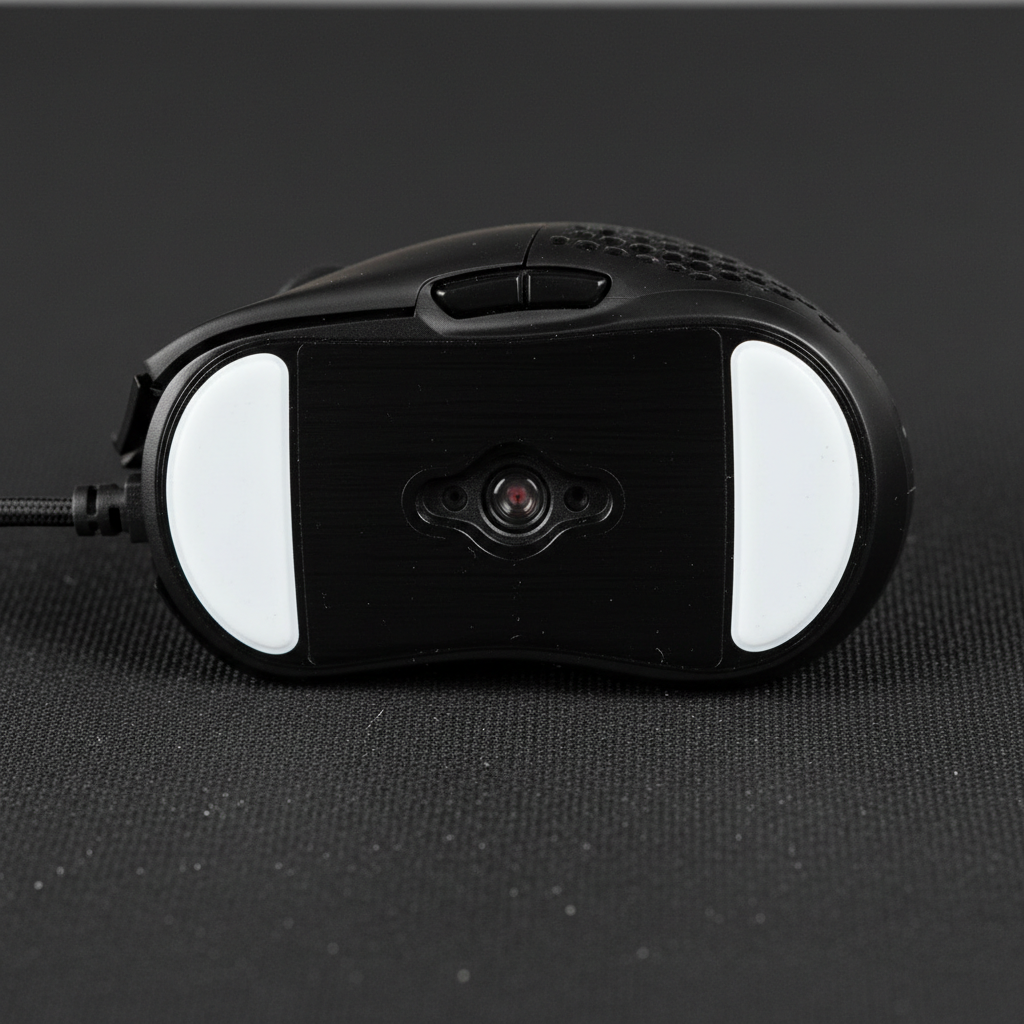
3) Comfort-first shapes for long sessions
- Ergo right-hand shapes often reduce pinky/ring finger drag
- Taller hump can feel better for relaxed palm-claw grips
- Sturdy scroll wheel if you also browse, edit, or do productivity work
These are great if your hand gets tired. They’re not “less esports,” they just favor stability over ultra-fast flicks for many players.
4) Budget picks with surprisingly good build quality
- Consistent main clicks left-to-right, no mushy side
- Low rattle when you shake the mouse lightly
- Clean side buttons with minimal pre-travel for abilities and push-to-talk
This category is where you often find the real value: not the lightest, not the flashiest, but boringly dependable.
Self-check: which mouse profile fits you in 2 minutes?
Before you buy, answer these quickly. This saves you from the classic mistake of buying on specs and returning on comfort.
- What games do you play most? Tactical FPS wants stability, arena shooters reward speed, MOBAs punish bad clicks.
- What grip happens naturally? palm, claw, fingertip, or a mix. Don’t force a “pro grip.”
- Do you lift the mouse often? high liftoff players tend to prefer lighter mice and shapes that don’t snag.
- Do you have hand discomfort? if yes, prioritize shape and weight balance over everything else.
- What’s your sensitivity style? low sens favors bigger pads and stable glide; high sens can feel twitchy with overly light clicks.
If you’re still unsure, choose a medium-size symmetrical shape with a safe weight range. In practice, that choice fits the widest group of players shopping for best budget wired gaming mice for esports.
Setup steps that make a budget mouse feel “pro”
A lot of performance complaints come from setup, not the mouse itself. These steps are quick and usually worth it.
Dial in DPI and sensitivity (and stop changing them)
- Pick one DPI stage you’ll keep, commonly 800 or 1600 for many esports players, then adjust in-game sens.
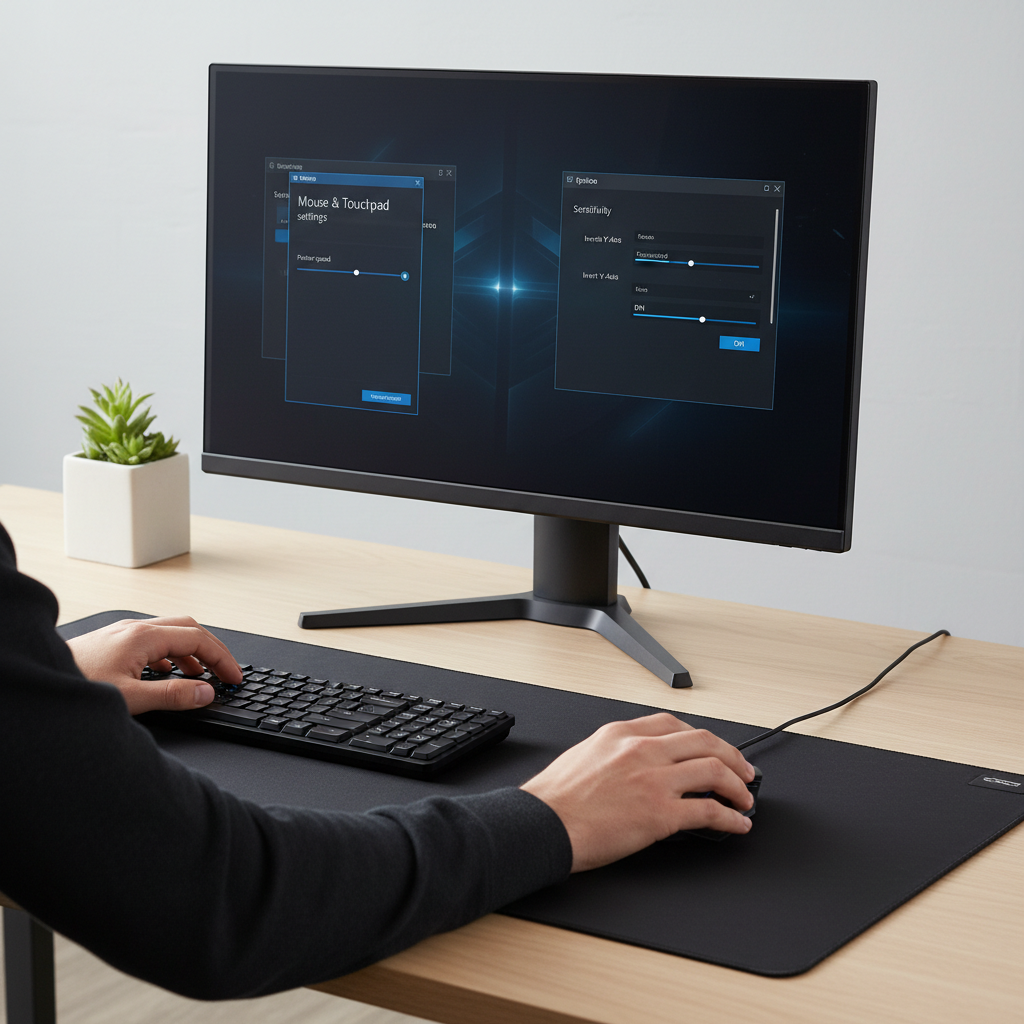
- Turn off Windows “Enhance pointer precision” for most competitive FPS, since it adds mouse acceleration in many setups.
- Stick to one config for at least a week, your aim needs repetition more than tweaks.
Polling rate and surface sanity check
- Set polling rate to 1000 Hz if stable on your PC. If you see stutter or weird behavior, 500 Hz can be a reasonable fallback.
- Use a consistent mousepad. Mixed surfaces can make any sensor feel inconsistent.
Cable management (often overlooked)
- Route the cable so it doesn’t catch on the desk edge.
- If the cable feels stiff, a simple mouse bungee or even a DIY clip setup can reduce drag.
According to Microsoft guidance on mouse settings, pointer precision and speed settings can impact how input feels across apps. For esports, the goal is predictable movement you can reproduce under stress.
Common mistakes when shopping budget wired mice
Budget doesn’t mean “take anything,” but it also doesn’t mean you must chase premium buzzwords. A few traps show up constantly.
- Overvaluing DPI numbers: extremely high DPI is rarely useful for esports. Sensor stability matters more than the max spec.
- Ignoring shape: people buy what a streamer uses, then wonder why their wrist hurts.
- Assuming software equals quality: a heavy control suite can be fine, but it doesn’t fix a bad scroll wheel or inconsistent clicks.
- Forgetting return windows: comfort is personal. When possible, buy from retailers with easy returns.
- Chasing “ultra-light” at any cost: a flexible shell or rattly buttons can be more distracting than a few extra grams.
If your goal is the best budget wired gaming mice for esports, you’re basically buying consistency. Anything that increases variance, even if it looks cool, is a step backward.
When to consider upgrading or getting expert help
Most people can self-pick a solid mouse, but there are times when a bit more effort pays off.
- Persistent hand or wrist pain: consider changing shape, reducing tension, and taking breaks. If pain continues, it may be smart to consult a qualified medical professional.
- You keep missing micro-adjustments even after stable settings: you might be fighting shape or weight balance, not “lack of skill.” Testing a different profile can help.
- Hardware symptoms: double-clicking, scroll skipping, or sensor cutouts can mean a faulty unit. Use the warranty rather than endlessly tweaking settings.
Upgrading can make sense when you already know your preferred shape and just want a more refined version, but plenty of players stay on wired budget options and perform at a high level.
Conclusion: a practical way to pick today
If you’re deciding this week, pick a comfortable shape you can repeat, confirm the sensor reputation isn’t sketchy, and prioritize stable clicks over cosmetic features. That’s what reliably gets you to the best budget wired gaming mice for esports outcome, even when pricing and model names change.
Action steps: shortlist 2–3 shapes that match your grip, buy from a retailer with easy returns, then lock your DPI and in-game sensitivity for a full week before you judge.
FAQ
What matters more for esports: sensor or shape?
Shape usually matters more day-to-day because it affects comfort and repeatability, but the sensor must be “good enough” to avoid jitter, spinouts, or odd acceleration. In budget models, avoid unknown sensors with vague branding.
Are wired mice still better than wireless for competitive play?
Many modern wireless mice perform extremely well, but wired still offers simple reliability at a lower price and no battery management. For tight budgets, wired often gives the best performance-per-dollar.
How much should I spend for a true esports-capable budget mouse?
It varies by sales and brand, but in many cases the sweet spot is where you get a proven sensor and solid build without premium materials. If you go too cheap, you’re more likely to run into button or scroll issues.
Is 1000 Hz polling rate always the right choice?
Not always. 1000 Hz is common and usually fine, but if your PC or a specific game shows instability, 500 Hz can feel smoother. The “best” setting is the one that stays consistent.
Do I need mouse software installed all the time?
Often you can set DPI and polling rate once, then uninstall or disable startup. Some mice need software running for advanced features, but for esports basics, persistent software is frequently optional.
Why do budget mice sometimes feel scratchy on the pad?
Usually it’s the mouse feet quality, protective film left on the skates, or a rough mousepad surface. Checking for leftover plastic film and cleaning the pad fixes more “bad glide” complaints than people expect.
What’s the easiest way to test if a mouse is “too small” for me?
If your fingers constantly drag on the pad or you squeeze harder to maintain control, the mouse is probably too small or too low-profile. Mild fatigue after short sessions is another signal.
Can a budget mouse be good for both esports and casual play?
Yes, and that’s often the smart choice. A stable sensor and comfortable shape work for ranked matches and everyday use, you’re just trading premium extras for value.
If you’re trying to narrow down options fast, make a short list based on grip style and game genre, then compare only the few specs that change consistency. If you’d rather skip the research, you can also look for curated “esports-safe” shortlists from reputable reviewers and cross-check return policies so you can test shape risk-free.