
budget car chargers 2026 are less about chasing the cheapest plug and more about avoiding the three pain points that waste time in real life: slow charging, overheating, and “it worked for a week” reliability.
If you drive daily, do rideshare, or just keep a phone running maps and music, a bad charger becomes a constant annoyance, your battery percentage never climbs, cables loosen, and you end up swapping chargers at gas stations.
This guide narrows what matters in 2026: the ports you actually need, how much wattage is enough, what safety features are worth paying for, and a short list of budget picks that typically punch above their price.
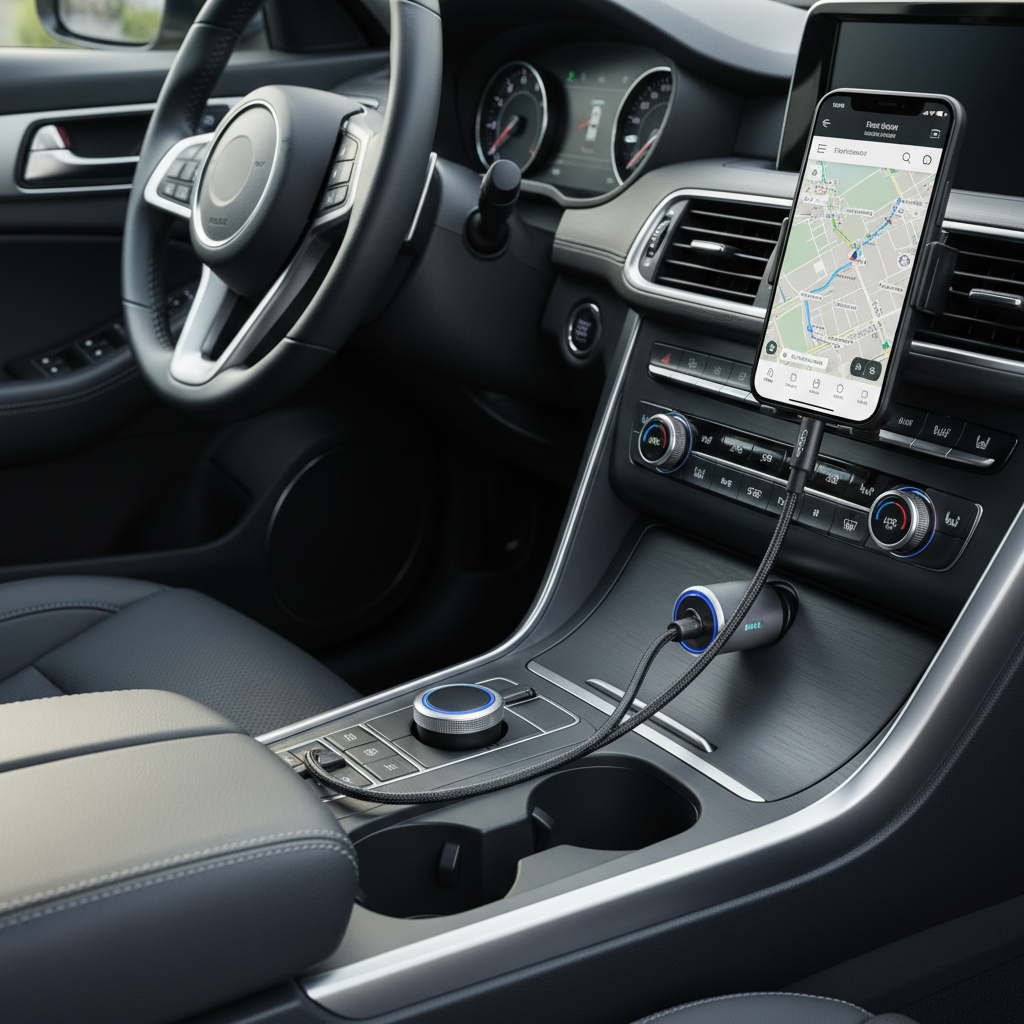
What “best” means for budget car chargers in 2026
Most shoppers ask for “fast charging,” but the better question is fast enough for your phone, your cable, and your car. In 2026, the baseline expectation is USB-C Power Delivery for newer phones and at least one dependable port for a passenger.
- Real-world speed: A charger can advertise big numbers, but your phone may only accept certain profiles, and the cable matters just as much.
- Heat control: Cheap chargers can run hot in summer cabins, heat is the silent killer for both charger lifespan and phone comfort.
- Fit and stability: A loose plug that wiggles in the 12V socket causes intermittent charging, especially on rough roads.
- Port mix: USB-C for modern devices, plus USB-A if you still have older cables, passengers, or accessories.
According to USB-IF, USB Power Delivery is the standardized way devices negotiate power over USB-C, which is why PD support tends to be a safer bet than random “fast” labels.
Quick buying checklist (so you don’t overpay)
If you want a fast filter before you compare models, use this as a simple pass/fail. It’s boring, but it prevents most regret purchases.
- At least 20W USB-C PD for modern iPhones and many Android phones, 30W gives more headroom.
- One port per active device, and assume passengers will ask to charge at the worst time.
- Replaceable cable strategy: Prefer chargers without permanently attached cables, so you can swap a worn cable instead of the whole unit.
- Basic protections: over-current, over-voltage, temperature protection, and short-circuit protection (wording varies by brand).
- LED indicator (optional): helpful at night, annoying if it’s too bright, so “subtle” matters.
If a listing doesn’t clearly state PD (for USB-C) or a believable wattage per port, skip it, there are too many decent options now.
Recommended budget car chargers (pick by scenario)
Rather than pretending there is one universal winner, here are the most common “I just need it to work” scenarios. These are the kinds of configurations that tend to be reliable and inexpensive, and they match what most people actually plug in.
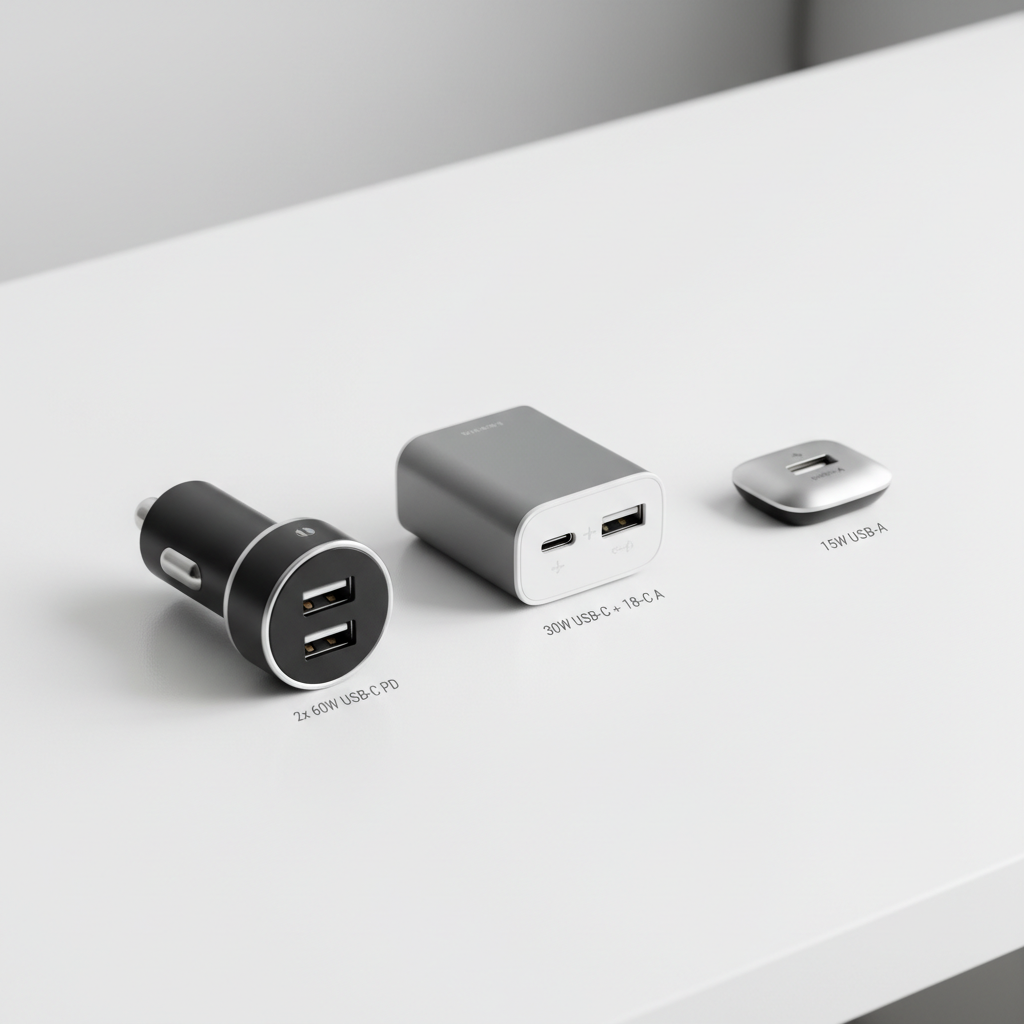
Scenario A: One phone, one cable, you want it fast
- Look for: Single USB-C PD 30W (or 20W if you’re strict on budget).
- Why it works: Fewer ports often means less power sharing complexity and less heat.
- Best for: commuters using navigation, solo drivers, rental cars.
Scenario B: Driver + passenger charging
- Look for: Dual ports, ideally USB-C PD + USB-C PD or USB-C PD + USB-A.
- Watch for: power splitting, some dual-port units drop speed when both ports are used.
- Best for: couples, carpools, parents with a backseat device.
Scenario C: You charge more than phones (tablet, handhelds)
- Look for: 45W+ USB-C PD if you expect to top up larger devices.
- Reality check: Not every car socket and not every device will sustain high draw, so treat “laptop charging” claims cautiously.
- Best for: road trips, work trucks, long idle sessions.
Spec table: what to choose for your phone in 2026
This table is meant to reduce comparison fatigue. It won’t cover every device nuance, but it’s a practical starting point for budget car chargers 2026 shopping.
| Use case | Recommended output | Ports | What to prioritize |
|---|---|---|---|
| Basic commute (maps + music) | USB-C PD 20–30W | 1–2 | Stable fit, low heat |
| Two phones at once | Total 35–60W (shared) | 2 | Clear per-port wattage |
| Road trip (multiple stops) | USB-C PD 30–45W | 2+ | Durability, cable quality |
| Older accessories | USB-A 12W+ plus USB-C | USB-C + USB-A | Compatibility, not peak speed |
How to tell if your current charger is the problem (not your phone)
A lot of “my phone won’t fast charge” complaints end up being a cable issue, a dirty port, or power sharing behavior on multi-port chargers. Here’s a quick self-check.
- Your battery climbs slowly only in the car: likely the charger wattage or cable spec is limiting.
- Charging cuts in and out on bumps: loose 12V socket fit or worn charger tip spring.
- Charger feels very hot: could be low efficiency, poor ventilation, or pushing it near its limit, consider swapping.
- Fast charge works with a wall brick but not in-car: the car charger may not support the same fast-charge standard your phone prefers.
According to Apple Support, if an iPhone shows slow charging or inconsistent charging, checking the cable, power adapter, and port cleanliness is a standard troubleshooting step, the same logic applies when the “adapter” is a car charger.
Practical setup tips that improve charging speed (without buying anything)
This is the part most guides skip, but it’s often the cheapest “upgrade.” If you already own a decent charger, these tweaks can make it feel new.
- Use a short, quality cable: long bargain cables can drop voltage under load, especially in warm cars.
- Avoid stacking adapters: USB-A to USB-C adapters and magnetic tips add failure points.
- Don’t bury the charger: if your 12V socket is inside a closed console, heat builds up fast in summer.
- Know when ports share power: if you need speed for the driver, plug the passenger in after the first 10–15 minutes.
If you’re testing a new budget pick, try it on a predictable route and watch whether battery percentage climbs while running navigation, that’s the real-world pass/fail.
Safety and common mistakes (where cheap can get expensive)
Most budget chargers are fine, but the failures tend to be consistent: too much heat, sketchy listings, and unrealistic wattage claims. You don’t need to be paranoid, just selective.
- Mistake: buying a “100W” charger from an unknown brand with no clear PD profiles.
Better: choose a model that states PD and per-port output in plain language. - Mistake: leaving a charger plugged in forever in extreme heat.
Better: if your cabin gets very hot, unplug when parked for long periods, especially with older vehicles. - Mistake: ignoring a hot smell, discoloration, or a crack.
Better: stop using it, and if you suspect vehicle electrical issues, consider asking a mechanic or qualified technician.
According to NHTSA, vehicle safety defects and electrical issues should be addressed promptly, and when something behaves abnormally in the cabin, caution is usually the right call.
Key takeaways and a simple recommendation path
If you want the shortest path to a good purchase, pick the configuration first, then shop price.
- Most people: a USB-C PD 30W charger with a second port covers daily life without feeling “cheap.”
- Strict budget: USB-C PD 20W is typically enough for phones, just keep expectations realistic with navigation running.
- Families and carpools: dual-port with clearly stated shared output avoids fights and slow charging surprises.
Budget doesn’t have to mean flimsy, but in the budget car chargers 2026 category, the smartest move is choosing a clear PD spec, sane wattage, and a cable you trust.
FAQ
What wattage should I look for in budget car chargers 2026?
For many phones, 20W USB-C PD is a workable floor, and 30W feels more comfortable when you’re running maps. If you regularly charge two phones, look at total output and how it splits.
Is USB-C PD the same as “fast charging” on the listing?
Not always. “Fast charging” is a marketing phrase, while USB-C PD is a specific standard. If the listing mentions PD profiles or PD wattage, it’s usually clearer than vague claims.
Why does my charger slow down when I plug in a second device?
Many dual-port chargers share a fixed total wattage, so each device gets less when both ports are active. That behavior is normal, the key is whether the shared output still matches your needs.
Are cheap car chargers safe to leave plugged in all the time?
Many people do, but heat and vibration can shorten lifespan. If your car sits in high heat often, unplugging during long parking periods is a reasonable precaution, and any sign of overheating means stop using it.
Do I need USB-A in 2026?
Maybe. If you still have USB-A cables for older devices or passengers, a mixed USB-C + USB-A charger can be convenient. If everything you own is USB-C, going all USB-C reduces clutter.
My phone charges fast on the wall but slow in the car, what should I check?
Start with the cable, then check whether the car charger supports USB-C PD (or the fast-charge standard your phone expects). Also confirm the phone isn’t overheating in direct sunlight, which can reduce charging speed.
Can a car charger damage my phone battery?
A well-made charger with proper protections typically should not, but excessive heat and poor-quality power can be a risk. If you notice unusual heat, swelling, or repeated warnings, stop using the charger and consider professional advice.
If you’re trying to outfit multiple cars or want a more “set it and forget it” setup, it can help to standardize on one PD wattage and one cable type, then keep a spare in the glove box so you’re not stuck buying random chargers on the road.