
Best phone cases with card holder are really about one thing: carrying essentials without turning your phone into a brick or your “quick errand” into a pocket-juggling act.
If you’ve tried a wallet case before, you already know the trade-offs, some hold cards but feel bulky, others look sleek but dump your ID the moment you sit in a car seat. The goal here is to help you choose a case that fits how you pay, commute, and actually use your phone.
Below, you’ll get a practical breakdown of the main styles, what to look for (and what to ignore), plus a quick comparison table and a short checklist you can use before you buy.
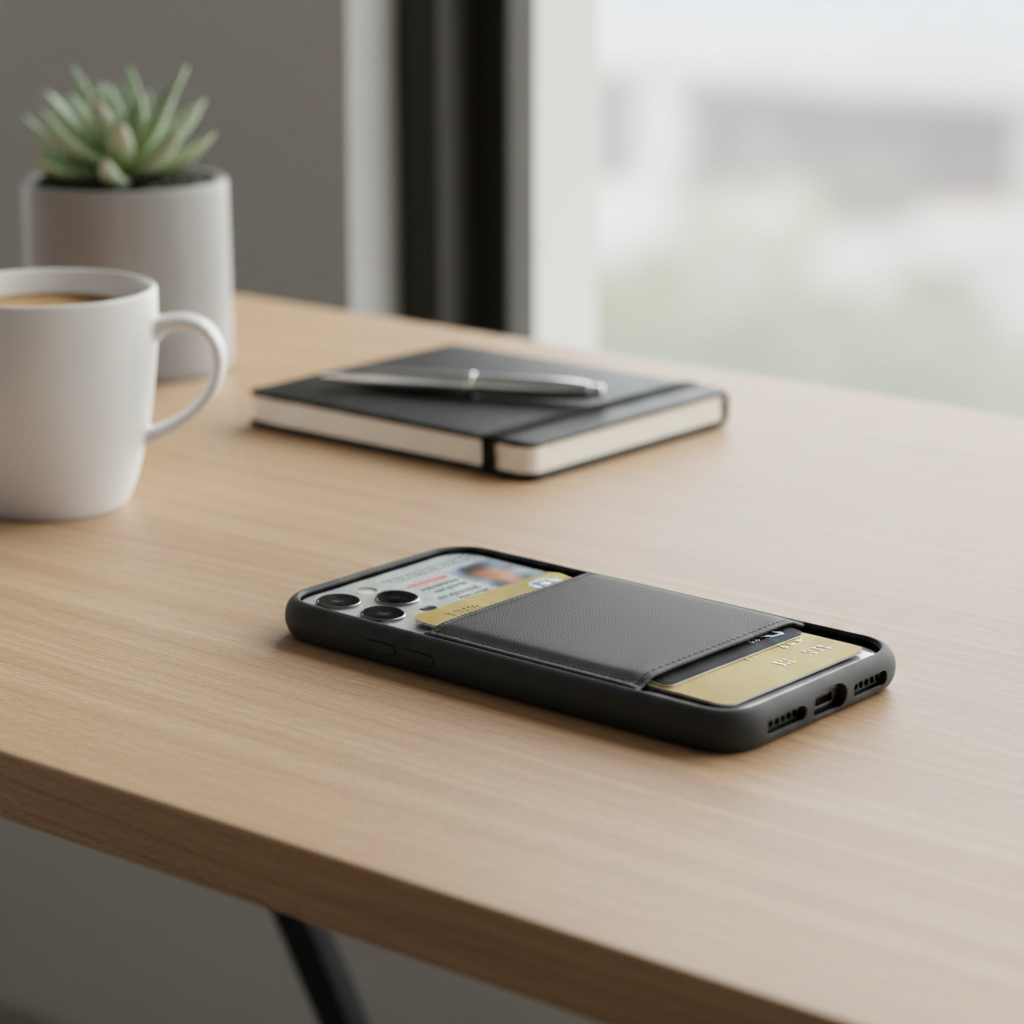
What “best” really means for card holder phone cases
People shop this category like it’s one product, but it’s closer to four different products with different compromises. “Best” depends on the balance you care about most: card access speed, drop protection, pocket feel, or MagSafe compatibility.
- Minimal carry: 1–2 cards, fast tap-to-pay use, very pocketable.
- Daily carry: 2–4 cards, occasional cash, decent protection.
- Travel/commute: more capacity and security, sometimes a folio cover.
- Car + desk life: stable grip, stands, and MagSafe mounting matter.
If you want a simple rule, pick your card count first, then pick your security level, and only then worry about looks.
Main types of phone cases with card holder (pros, cons, who they fit)
1) Back-slot cases
These are the common “one card in the back” options. Great for an ID and one payment card, not great if you hate removing cards to use them.
- Pros: slim, easy to use, usually cheaper.
- Cons: limited capacity, some cards can loosen over time.
- Best for: gym, quick errands, minimalists.
2) Sliding-door / hidden compartment cases
A small door covers a compartment so cards don’t show. It’s a nice middle ground when you want a cleaner look and more security than an exposed slot.
- Pros: more secure than open slots, often holds 2–3 cards.
- Cons: adds thickness, door mechanisms vary in durability.
- Best for: commuters, people who keep a spare card or transit pass.
3) Folio / flip wallet cases
These hold more, and many double as a stand. The downside is they can feel fussy when you just want to check a notification.
- Pros: higher capacity, screen cover, travel-friendly.
- Cons: bulkier, slower one-hand use, some don’t play well with wireless charging.
- Best for: travel, work badges, people who carry cash occasionally.
4) MagSafe wallet + protective case combo
This is the modular approach: a normal protective case plus a removable card wallet that attaches magnetically. It’s popular because you can detach the wallet for car mounts or wireless chargers.
- Pros: flexible, easy to swap, cleaner daily handling.
- Cons: magnetic strength varies, wallet can shift in tight pockets.
- Best for: iPhone users who live on MagSafe accessories.
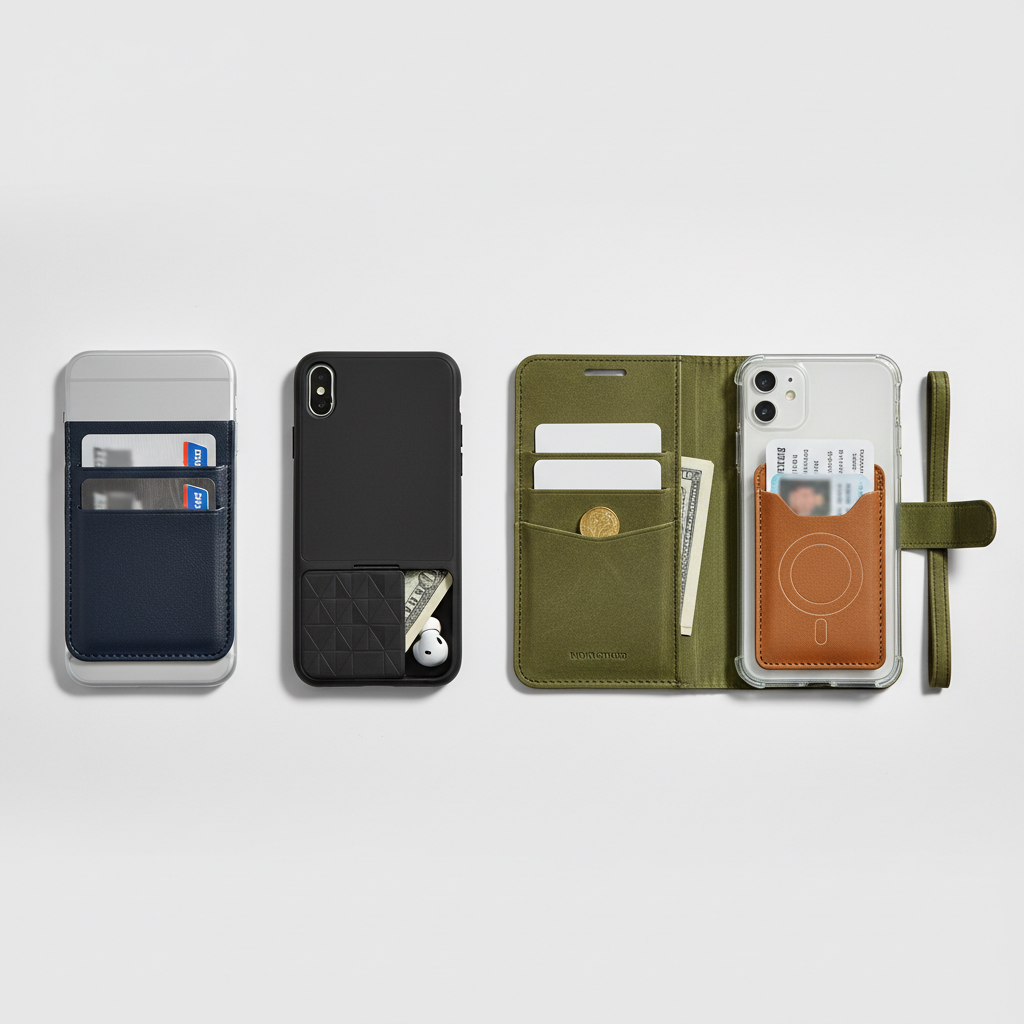
Quick comparison table (pick your match fast)
This table won’t replace reading reviews, but it makes the trade-offs obvious, especially if you’re choosing between “slim” and “secure.”
| Type | Card Capacity | Security | Pocket Bulk | Wireless Charging | Best For |
|---|---|---|---|---|---|
| Back-slot | 1–2 | Medium | Low | Often OK | Minimal carry |
| Sliding/hidden | 2–3 | High | Medium | Sometimes OK | Commute, daily |
| Folio/flip | 3–8 | High | High | Often limited | Travel, all-in-one |
| MagSafe wallet combo | 2–4 | Medium–High | Medium | Good when removed | Accessory users |
How to choose: the 9-point checklist before you buy
When people regret a wallet case, it’s usually because one small “daily life detail” got missed. Run through this list and you’ll avoid most bad picks.
- Your real card count: be honest, if you carry 3 cards daily, a 1-card slot will annoy you.
- Card thickness: metal cards and embossed cards can stress tight slots and sliding doors.
- Drop protection: look for raised bezels and corner reinforcement, not just “military grade” marketing.
- Grip: smooth faux leather can feel premium but may slip, textured edges often help.
- Wireless charging habits: if you charge on a pad nightly, folios often become friction.
- MagSafe compatibility: magnetic cases vary, especially with thicker materials.
- Access speed: do you need to show ID fast, or is it mostly “backup card only”?
- Wallet orientation: vertical slots often hold tighter, horizontal can be easier to pull cards from.
- Car mounts and stands: some card bumps break the fit with mounts or stands.
According to Apple, MagSafe accessories are designed to align magnetically for optimal attachment and charging, so if MagSafe is part of your routine, prioritize cases that explicitly support it rather than “magnet-friendly” wording.
Common issues (and what usually causes them)
Most complaints about the best phone cases with card holder come from predictable failure points. Knowing these upfront saves you from returning three cases in a row.
- Cards falling out: slots stretch, or the case relies on friction without a retention lip.
- Case feels too bulky: thick TPU plus a stacked wallet compartment adds up fast.
- Wireless charging stops working: extra layers and card RFID shielding can interfere with coil alignment.
- Camera wobble on a table: wallet bump lifts one side, especially on phones with large camera islands.
- Edges peel or crack: bonded “leather” wraps and glued seams can fail under heat and pocket friction.
One small reality check: if you want “four cards + cash” and also want “ultra slim,” something gives. In many cases, that “something” becomes drop protection or comfort.
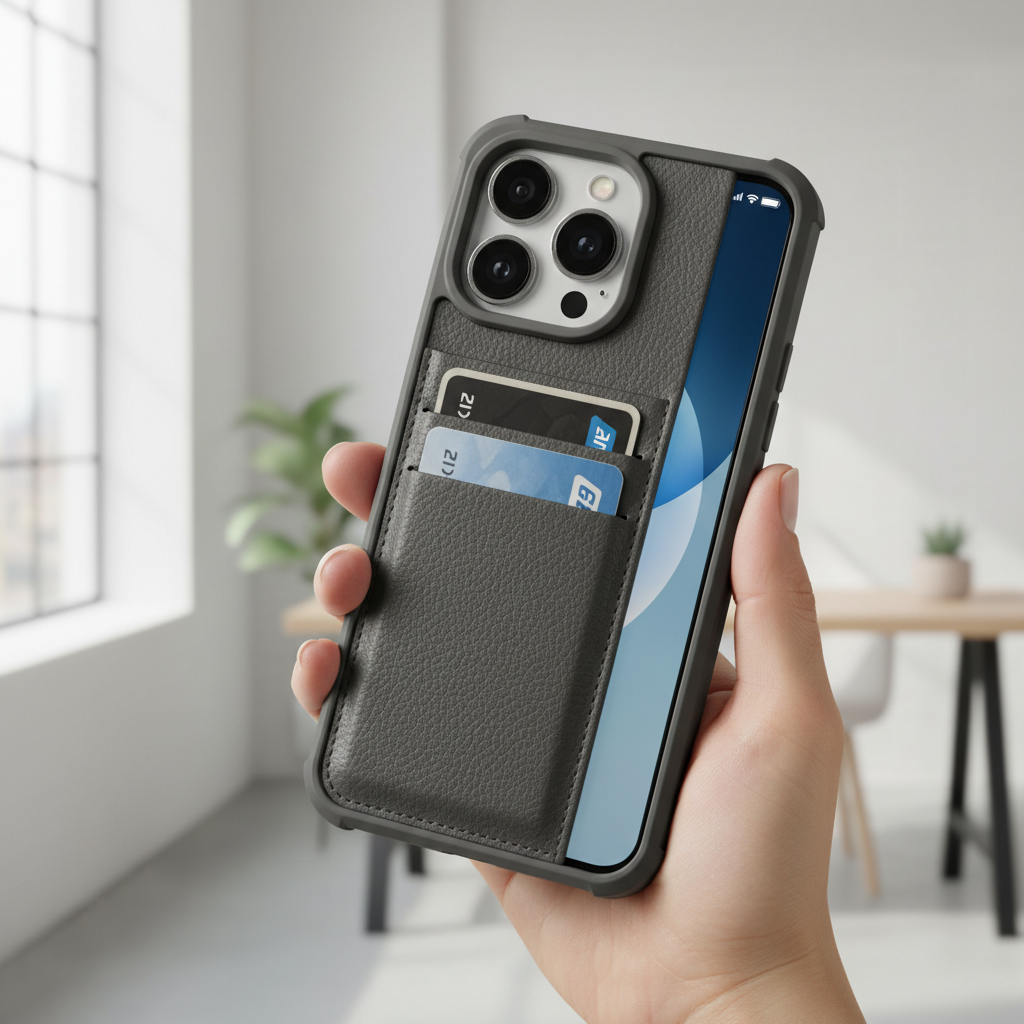
Practical recommendations by lifestyle (what to buy for your routine)
Instead of naming “the one best case,” here’s a more useful approach: pick the style that matches your routine, then filter by materials and fit.
If you want the slimmest everyday setup
- Choose a back-slot design with a tight retention lip.
- Keep it to 1–2 cards, rotate cards occasionally if the slot loosens.
- Favor textured TPU edges for grip, even if the back panel is smoother.
If you commute, go out at night, or worry about card loss
- Pick a sliding-door compartment, it usually balances speed and security well.
- Look for a door that clicks shut firmly and doesn’t rattle.
- Don’t overstuff, 2 cards often feels better than 3 crammed tight.
If you travel or carry cash sometimes
- Go folio if you genuinely use the extra space and like a screen cover.
- Make sure the closure is secure, magnetic closures can open in a bag if weak.
- If you use wireless charging, plan to charge by cable more often.
If you use MagSafe mounts and chargers daily
- Use a protective MagSafe case plus a removable MagSafe wallet.
- For car mounts, detach the wallet before driving if it affects alignment.
- Test your “pocket friction” in the first week, magnets can shift in tight jeans.
Setup tips: make a card holder case work better (and last longer)
Even the best phone cases with card holder benefit from a little setup, especially in the first few days.
- Break-in carefully: start with one card, add a second after a day if the fit stays snug.
- Use a backup card strategy: keep your main card in a wallet at home for a week, test the case first.
- Avoid heat: hot cars can soften materials and loosen card retention over time.
- Clean the slot/compartment: pocket lint builds up, which can affect retention and door closure.
- Check your ID wear: repeated sliding can scuff prints, a thin sleeve can help if it still fits.
According to Federal Trade Commission (FTC), keeping personal info secure matters because lost wallets and IDs can contribute to identity theft risks, so if you carry sensitive IDs daily, lean toward designs with better retention and consider minimizing what you carry.
Key takeaways and a simple conclusion
If you’re choosing between style and function, function tends to win after week two. The “right” pick is the case that matches your real card count, your charging habits, and how often your phone gets dropped or bumped.
- Want slim: back-slot with 1–2 cards.
- Want security: sliding-door compartment.
- Want capacity: folio, accept extra bulk.
- Want flexibility: MagSafe wallet combo, detach when needed.
If you’re shopping today, decide your carry style first, then filter by protection and charging compatibility, and you’ll land on a case you actually keep using.