
Best budget home security cameras are rarely about finding the “cheapest” option, they’re about avoiding the cameras that look affordable until you hit subscription fees, weak night vision, or unreliable alerts.
If you’re shopping in 2026, you’ll notice two things fast, lots of models share similar specs on paper, and the real differences show up after a week of use, Wi‑Fi stability, app quality, and whether you can review clips without paying monthly.
This guide focuses on practical buying, what matters, what’s marketing fluff, and how to match a camera to a typical U.S. home or apartment. I’ll also point out when it’s smarter to step up in price or ask a pro, especially if you’re thinking about hardwired installs.
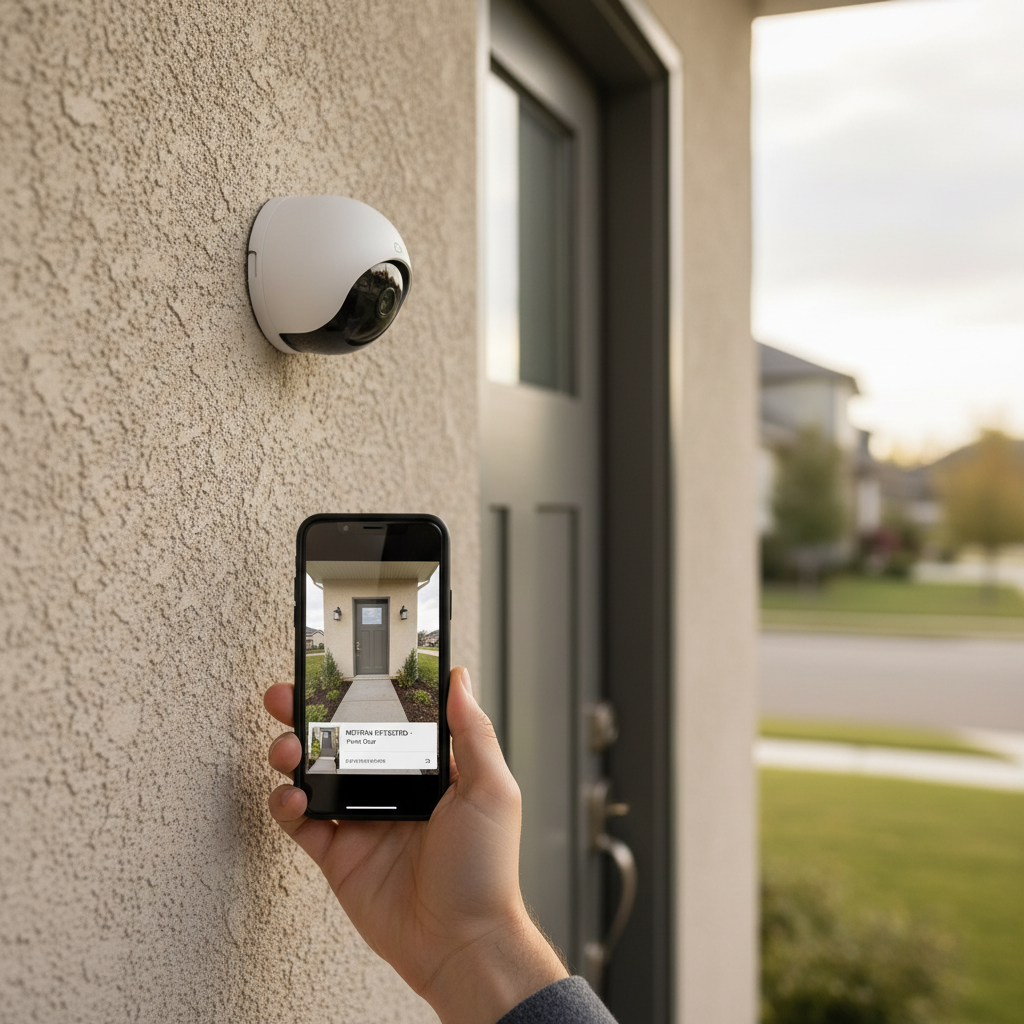
What “budget” really means in 2026 (and where the money goes)
A budget camera usually lands around the price where you can buy two or three units to cover key spots, front door, backyard, and a main hallway, without turning it into a full renovation project.
But the sticker price is only part of it. Many best budget home security cameras end up costing more over time because of add-ons and limitations you discover later.
- Monthly cloud plans: Some brands lock basic features, like longer clip history or person detection, behind a subscription.
- Storage hardware: Local storage can be “free,” but may require an SD card, base station, or NVR.
- Power and accessories: Battery cams can be truly simple, but you might need extra mounts, solar panels, or a better doorbell transformer.
- Wi‑Fi upgrades: Choppy video is often a network problem, not the camera, mesh Wi‑Fi can become part of the budget.
According to FTC (Federal Trade Commission), connected devices can raise privacy and security concerns if accounts are weakly protected, so factor in time for setup, updates, and passwords, not just dollars.
Quick checklist: which camera type fits your home?
Before comparing models, decide the camera “category.” This step saves you from buying a great indoor cam that fails outdoors, or a battery cam that misses events because it sleeps too aggressively.
- Apartment renters: Indoor cam + battery outdoor cam (no drilling) often works better than hardwired.
- Front door priority: Doorbell cam or a wide-angle outdoor cam under the eave, depending on wiring and porch layout.
- Backyard/driveway: Outdoor cam with strong night vision and reliable motion zones matters more than 2K vs 4K marketing.
- Pets at home: Indoor cam with adjustable motion sensitivity and “pet filtering” (if available) cuts false alerts.
If you already use Alexa, Google Home, or Apple Home, start there. Ecosystem fit can matter more than minor spec differences, especially for live view, voice displays, and shared access.
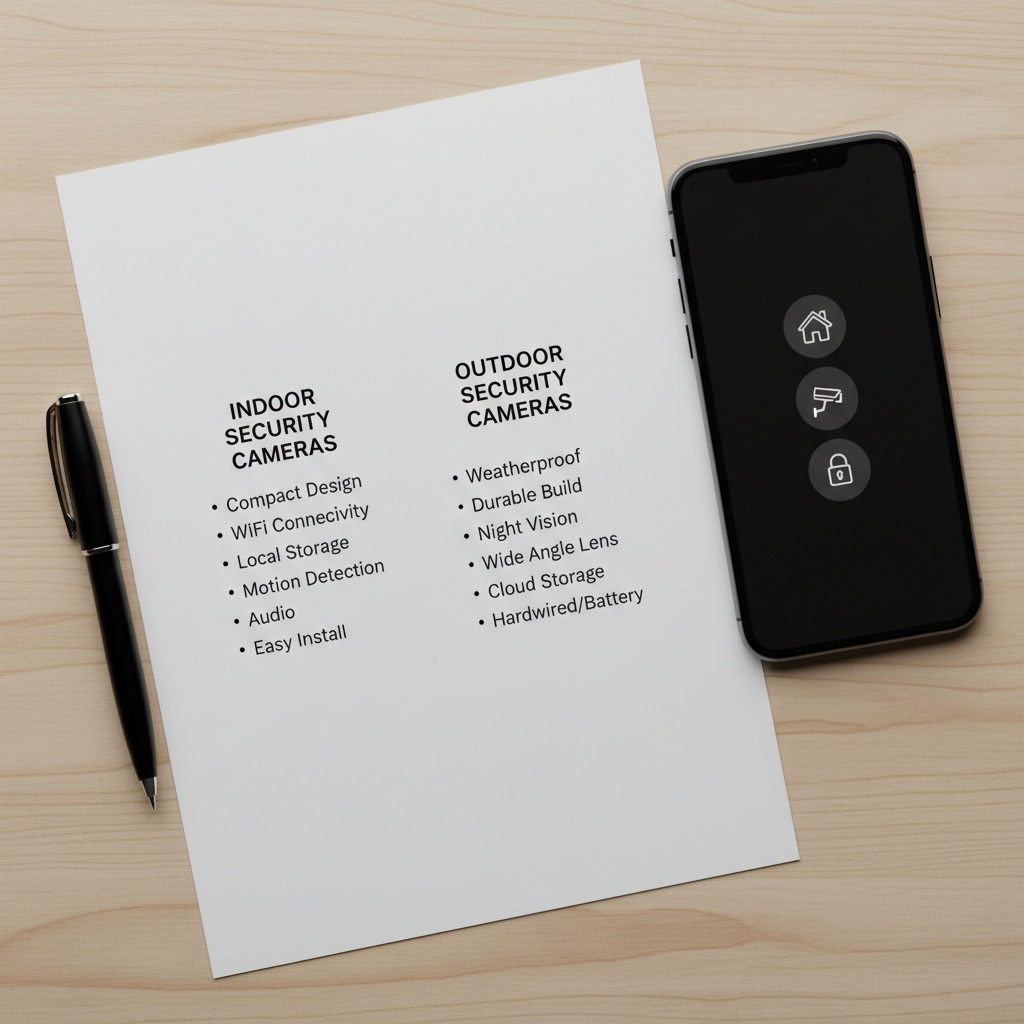
Key features that actually matter (and what to ignore)
Specs can be noisy. In day-to-day use, these are the features that usually separate “fine” from “I’m returning this.”
Prioritize these
- Reliable motion detection: Person detection helps, but consistent triggers and quick notifications matter more.
- Night vision you can identify with: Look for clear faces at your typical distance, not just “IR included.”
- Two-way audio quality: If you’ll talk to delivery drivers, clarity and low delay beat loud volume.
- Simple clip review: Timeline scrubbing, event filters, and fast loading reduce frustration.
- Good Wi‑Fi performance: Dual-band support (2.4GHz + 5GHz) helps in crowded neighborhoods, though many budget cams still rely on 2.4GHz.
Usually less important than ads suggest
- Ultra-high resolution: 2K is often plenty; poor bitrate and bad processing can make “4K” look worse.
- Huge zoom claims: Digital zoom rarely helps at night.
- Dozens of modes: If switching modes is confusing, you’ll leave it on default and miss alerts.
According to NIST (National Institute of Standards and Technology), basic cyber hygiene such as updating firmware and using strong authentication lowers risk for IoT devices, so choose a brand with a track record of updates.
Comparison table: how to pick the best budget option for your scenario
Rather than naming a single “winner,” here’s a scenario-based view. This is how most people actually buy and stay happy with the result.
| Scenario | Recommended camera type | Must-have features | Watch-outs |
|---|---|---|---|
| Front porch package checks | Doorbell cam or outdoor cam under eave | Fast alerts, motion zones, clear night vision | Subscription for rich notifications, weak Wi‑Fi near door |
| Driveway + street traffic | Outdoor cam with adjustable zones | Accurate motion zones, strong IR, stable connection | False alerts from headlights, trees, shadows |
| Apartment entry + living room | Indoor cam + optional battery cam for balcony | Privacy shutter/mode, easy sharing, good audio | Landlord rules, window glare at night |
| No monthly fees preference | Local storage cam (SD/base station/NVR) | Local clip access, export options, encryption if offered | SD card wear, theft risk if camera is grabbed |
| Hands-off power | Wired outdoor cam | 24/7 power, stable performance | Installation complexity, outdoor-rated wiring |
How to avoid “budget traps”: subscriptions, storage, and hidden limits
This is where a lot of buyers get annoyed. A camera can be affordable, and still not feel like a deal once you live with it.
- Check what’s free: Live view is usually free, but clip history often isn’t. Look for how many days, how many cameras, and whether person detection requires a plan.
- Local storage details: “Supports SD card” can still mean clunky playback, no remote access, or no backup if the camera is stolen.
- Battery reality: Battery life depends on temperature, traffic, and sensitivity. Busy driveways can drain a “6-month” claim much faster.
- Multi-camera costs: Some plans charge per camera, others cover the household. This changes your total cost a lot.
If you’re comparing best budget home security cameras, it’s worth doing a quick 12-month math, camera price + storage plan + any accessories you know you need. That quick check prevents the classic “cheap at checkout, expensive by month three” feeling.
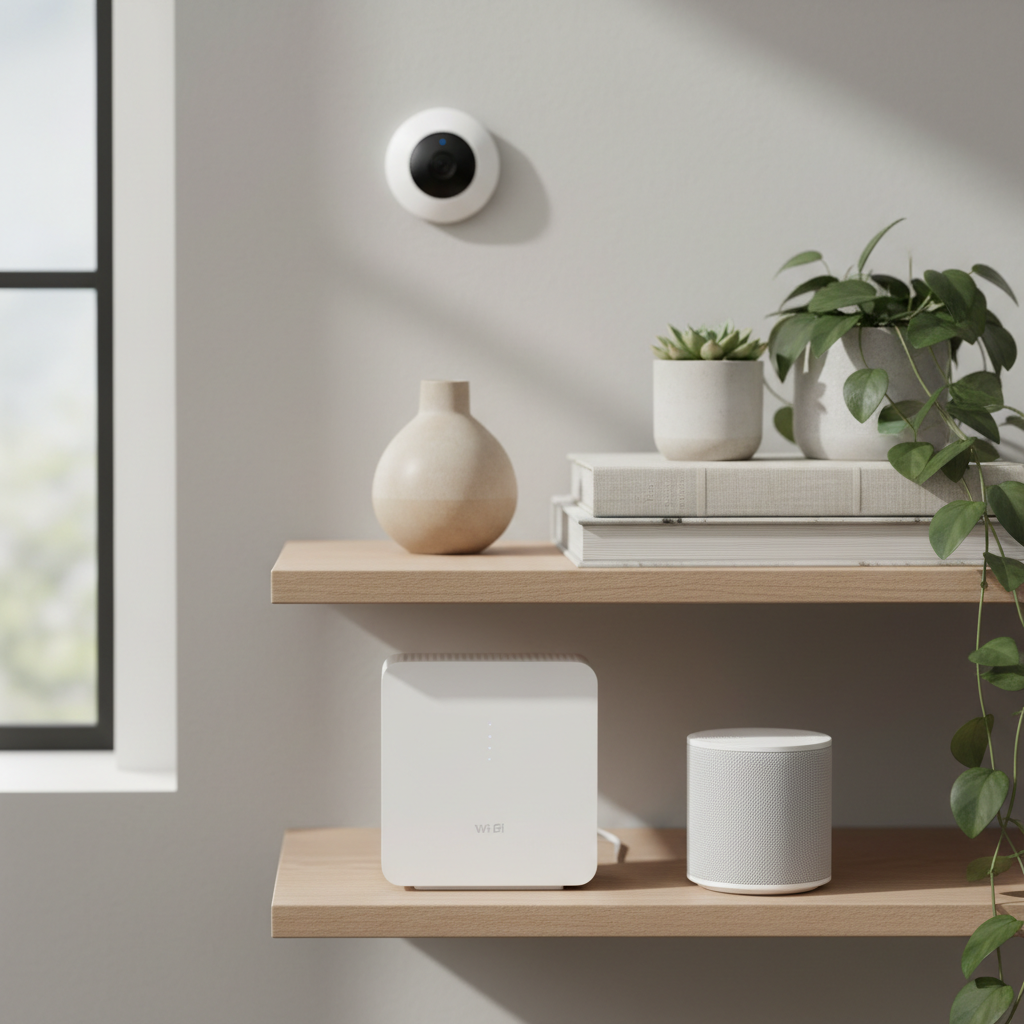
Practical setup tips that make budget cameras work better
Most “bad camera” complaints come from placement and settings. The good news, you can often fix it in 20 minutes.
- Mount at the right height: Too high gives you hats and hoodies, too low invites tampering. Many homes do well around 7–9 feet, adjusted for your layout.
- Avoid aiming at bright lights: Porch bulbs and streetlights can wash out night footage, shift the angle slightly or use a shielded light.
- Set motion zones: Exclude roads, swaying trees, and reflective cars to cut alert spam.
- Test at the same time you care most: Night tests matter, walk the path a visitor would take and check face clarity.
- Improve Wi‑Fi at the edge: If the camera sits far from the router, a mesh node or extender may help more than upgrading the camera itself.
According to CISA (Cybersecurity and Infrastructure Security Agency), using unique passwords and enabling multi-factor authentication when available helps protect connected accounts, which matters when cameras are accessible from your phone.
Common mistakes (and what to do instead)
These show up constantly with best budget home security cameras, and they’re usually easy to avoid.
- Buying one camera to “cover everything”: Wide angles distort faces at a distance. Two cheaper cameras often outperform one “better” camera placed too far away.
- Ignoring privacy controls: Indoor cams should have privacy mode schedules or a physical shutter if you want peace of mind.
- Over-tight motion sensitivity: Max sensitivity creates alert fatigue, you’ll start ignoring notifications, tune it until it’s useful.
- Skipping firmware updates: It’s boring, but updates can fix stability and security issues.
If your household includes kids, roommates, or guests, it’s also worth setting up separate logins or shared access rules so you’re not handing out a master password.
When it’s worth stepping up, or calling a professional
Budget setups handle a lot, but there are times you should consider a higher-tier system or professional help.
- Hardwired exterior runs: Drilling through exterior walls and running power can create safety and weatherproofing issues, many people prefer a licensed installer.
- Need for continuous recording: If you truly need 24/7 recording, many budget battery cams won’t deliver, a wired system with an NVR is more realistic.
- Higher-risk situations: If there’s an active safety concern, consider speaking with local law enforcement or a qualified security professional for guidance tailored to your home.
Also, if you’re unsure about local laws on audio recording or camera placement, it’s sensible to check your state and local rules or consult an attorney, rules can vary.
Conclusion: a simple way to choose confidently
If you want a clean, low-stress purchase, pick the camera type that matches your location, decide whether you’re comfortable with a subscription, then prioritize motion reliability and night clarity over flashy specs.
Key takeaways you can act on today:
- Start with placement, front door and main approach angles give the biggest payoff.
- Run a 12-month cost check so the “deal” stays a deal.
- Fix Wi‑Fi before blaming the camera, especially for outdoor corners of the house.
If you’re comparing a short list right now, write down your top two “non-negotiables” (like no monthly fee, or strong night vision) and filter everything through that, it keeps the decision simple.
FAQ
What should I expect to pay for a good budget security camera in 2026?
Many solid options land in a range where buying multiple cameras still feels reasonable. The bigger cost swing usually comes from cloud plans and accessories, not the camera itself.
Are subscription plans necessary for budget home security cameras?
Not always. Some cameras work well with local storage, but you may lose conveniences like longer clip history, rich notifications, or offsite backup. If theft is a concern, cloud storage can be helpful.
Is local storage safer than cloud storage?
It depends on what “safer” means for you. Local storage avoids recurring fees and keeps footage at home, but it can be lost if the camera is stolen or damaged. Cloud storage adds account-security responsibility, so strong passwords and MFA matter.
Do budget cameras work without Wi‑Fi?
Most consumer models rely on Wi‑Fi for alerts and remote viewing. A few systems record locally without internet, but setup and access vary a lot, check the product details before buying.
How do I reduce false motion alerts from cars and shadows?
Use motion zones to block the street, lower sensitivity, and adjust the angle so headlights don’t point straight into the lens. In many cases, moving the camera a foot or two makes a bigger difference than changing settings.
Where should I place an outdoor camera for the best results?
Cover the approach path, not the whole yard. Aim for face-level capture at a reasonable distance, and avoid pointing directly at bright porch lights or reflective surfaces that can wash out night footage.
Can I use these cameras if I’m renting?
Often yes, especially indoor cameras and battery outdoor units with removable mounts. Still, leases and building rules vary, so it’s smart to confirm what’s allowed before installing anything outside.
If you’re trying to choose between a few models and want a more “set it and forget it” setup, it may help to map your home’s key viewpoints first and then pick cameras that match those specific spots, instead of buying a bundle and hoping it fits.