
best usb c cables 2026 durable is really about avoiding the two things that waste the most time: slow charging and cables that fail at the connector after a few months.
Most people don’t need a “fancy” cable, they need a cable that matches their charger and device, survives daily bending, and doesn’t quietly downgrade charging speed. The tricky part is that USB-C can look identical on the outside while supporting very different power and data capabilities.
This guide helps you choose based on real use cases, laptop charging, phone fast charging, car use, travel, and high-speed data, with a quick table and a practical checklist you can use before you buy.
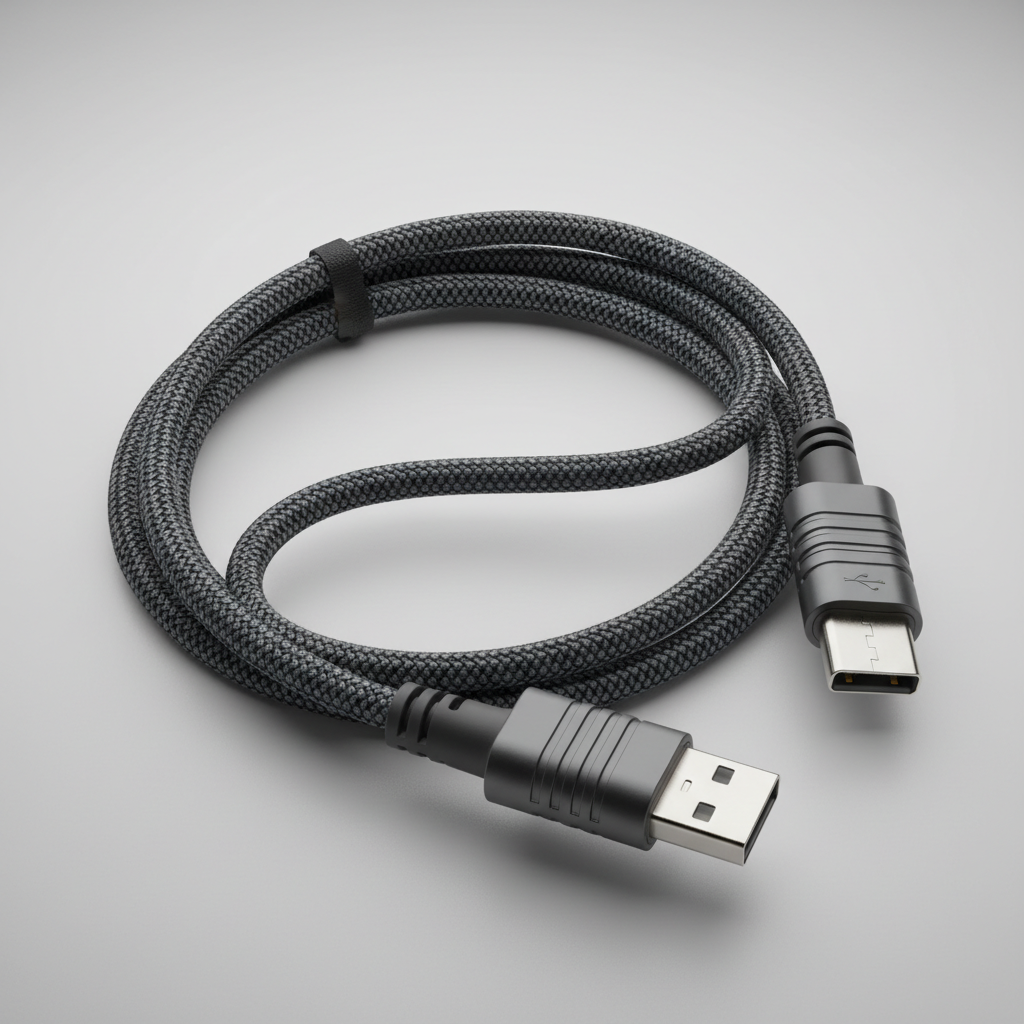
What “durable” actually means for a USB-C cable
Durability sounds vague until you break it down. Most cable failures happen at the ends, where the jacket meets the connector. If that area isn’t reinforced, daily bends do the damage.
- Strain relief: Look for a longer, flexible collar at the connector. Short, stiff collars tend to kink.
- Jacket material: Braided nylon can resist abrasion, while soft-touch TPE can feel nicer in pocket use. Either can be durable if the internal build is solid.
- Connector housing: Metal housings can help, but “metal” alone isn’t a guarantee. A good crimp and internal support matter more.
- Right length for the job: Extra-long cables get yanked, dragged, and stepped on, they often die sooner in real life.
According to USB-IF, USB Type-C is a connector standard, not a promise of charging speed or data speed, which is why durability and performance need separate checks.
Key specs to match before you buy (power, speed, and features)
If you only remember one thing, remember this: your cable must support the power your charger can deliver, or charging may drop to a lower rate. That’s where many “why is my laptop charging slowly?” moments come from.
Power: 60W vs 100W vs 240W (EPR)
- Up to 60W covers many phones, tablets, and some smaller laptops.
- 100W (5A) is a common target for modern laptop charging.
- 240W (USB-C EPR) is for newer high-power laptops and monitors. You also need an EPR-capable charger to benefit.
For 100W and above, the cable should be rated 5A and typically includes an e-marker chip (a small ID chip that tells devices what the cable supports).
Data: USB 2.0 vs 10Gbps/20Gbps vs USB4
- USB 2.0 cables can still fast-charge, but data is slow, fine for charging-only use.
- 10Gbps or 20Gbps is helpful for external SSDs and fast file transfers.
- USB4 / Thunderbolt-class use is for docks, displays, and high-end workflows, buy specifically for that.
Video: display support isn’t automatic
If you want to run a monitor from a USB-C port, you generally need a cable that supports video modes. Many “charging cables” do not. When in doubt, buy a cable that explicitly lists video support, or a certified USB4/Thunderbolt cable for mixed setups.
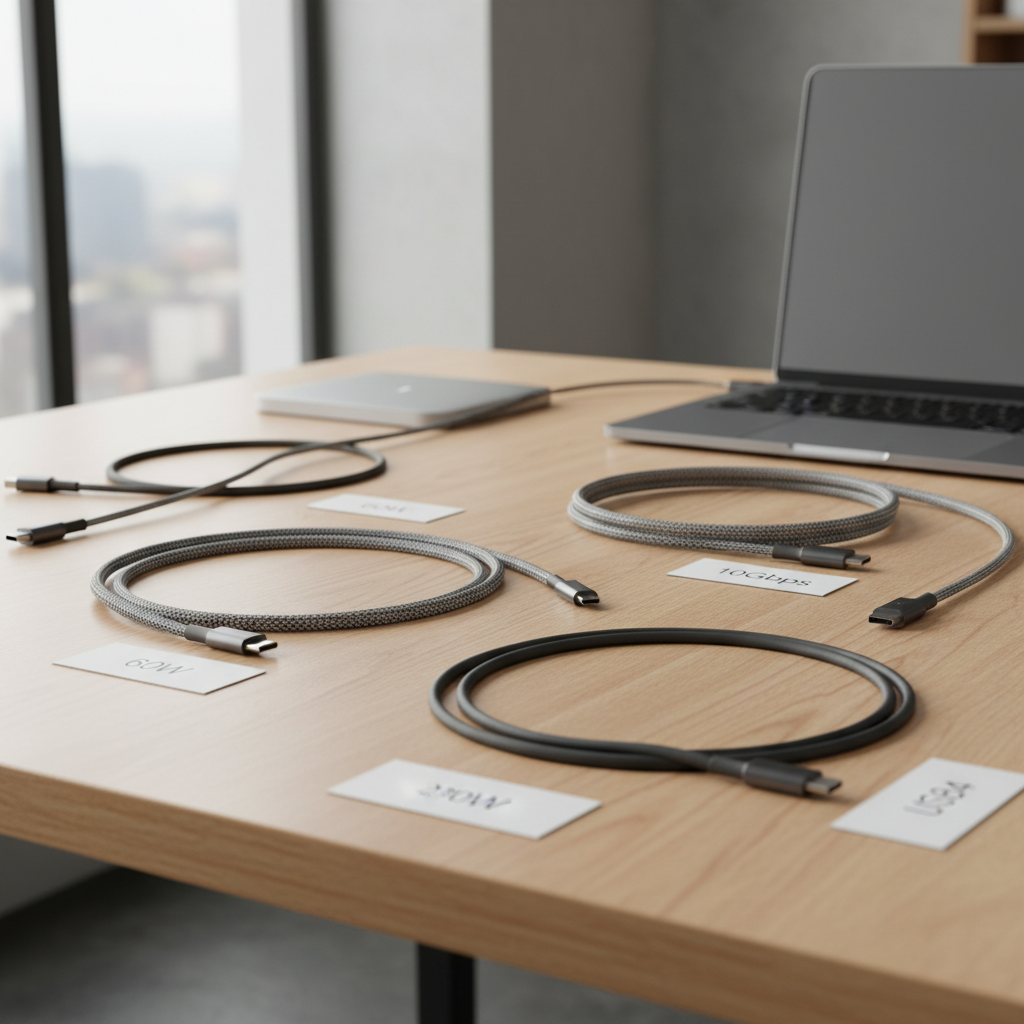
Quick comparison table: durable cable types by use case
This isn’t a list of “the only good options,” it’s a way to map your needs to a cable class that tends to work well in the US market.
| Use case | What to prioritize | Typical spec to look for | Common mistake |
|---|---|---|---|
| Phone daily carry | Flexibility, connector reinforcement | 3ft–6ft, 60W, USB 2.0 OK | Buying stiff “rugged” cables that kink in pockets |
| Laptop charging | Correct wattage + e-marker | 100W 5A (or 240W EPR if needed) | Using 60W cable and blaming the charger |
| Car charging | Short length, heat tolerance | 1ft–3ft, 60W/100W depending on device | Long cable snagging on shifter, constant strain |
| External SSD | Data speed + shielding | 10Gbps or 20Gbps | Assuming “USB-C” means fast transfers |
| Dock + monitor | Video + high bandwidth stability | USB4 cable (or Thunderbolt-certified) | Random charge cable causing flicker or dropouts |
| Travel kit | One-cable simplicity | 100W 5A, durable jacket | Overpacking multiple low-spec cables |
Self-check: which durable USB-C cable should you buy?
If you’re shopping for the best usb c cables 2026 durable, this 60-second check usually prevents mismatch buys.
- What’s the highest wattage you’ll use? Phone-only, tablet, laptop, or monitor/laptop combo?
- Do you move data often? If you use external drives, you’ll feel the difference between USB 2.0 and 10Gbps.
- Any display use? If you connect to a monitor via USB-C, make video support non-negotiable.
- Where does it live? Desk cables can be thicker, pocket or car cables should be more flexible and shorter.
- How rough is your daily handling? If you yank by the cable (most people do sometimes), prioritize strain relief and thicker internal build.
Key takeaway: a “durable” cable that’s the wrong spec still creates problems, just more slowly.
Practical buying rules that usually lead to better cables
Here’s what tends to separate the cables that last from the ones you keep replacing, without turning your purchase into a science project.
- Prefer certified when it matters: USB-IF certification (or Thunderbolt certification for those ecosystems) is a solid signal for performance consistency. According to USB-IF, certification indicates compliance testing against published requirements.
- For laptops, treat 100W 5A as the “safe default”: Even if you don’t always use the full wattage, headroom reduces future “why is this slow?” surprises.
- Don’t buy ultra-long unless you must: A 10ft cable is convenient, but it gets abused and can be more finicky at higher power or high-speed data.
- Buy two different cables on purpose: One durable charge-first cable, plus one data/video cable for desk work. Many people try to force one cable to do everything and end up unhappy.

How to make a durable cable last longer (simple habits, real payoff)
Even the best usb c cables 2026 durable options wear out faster if they’re bent sharply at the connector every day. The good news is you don’t need a special routine.
- Unplug by the connector, not the jacket: It’s boring advice because it works.
- Avoid tight 90-degree bends: If your setup forces a hard bend, consider a right-angle cable for that specific spot.
- Use a shorter cable in cars and on nightstands: Less slack means fewer snags and less leverage on the port.
- Keep ports clean: Pocket lint in USB-C ports can cause poor contact and extra heat. If you suspect buildup, consider having it cleaned carefully, and if you’re unsure, ask a repair shop.
Heat is another quiet killer. If a cable feels unusually hot during charging, stop using it and troubleshoot with another cable and charger, and consider professional help if the device port looks damaged.
Common myths and mistakes (what causes most “bad cable” complaints)
- Myth: “Braided means durable.” Braiding helps with abrasion, but connector build quality and strain relief often decide lifespan.
- Mistake: buying a charging cable for high-speed storage. If you copy big files, a USB 2.0 cable will feel broken even when it’s fine.
- Myth: “Any USB-C cable can power any laptop.” Many laptops can negotiate down, but you may see slow charging, battery drain under load, or intermittent behavior.
- Mistake: ignoring the charger. A cable can only deliver what the charger and device negotiate. Swap one variable at a time to diagnose.
According to the Federal Trade Commission (FTC), consumers should be cautious with misleading marketing claims. With cables, that usually means checking listed specs rather than relying on bold packaging words like “super fast.”
When it’s worth getting expert help (or replacing more than just the cable)
If charging cuts in and out, you see discoloration at the connector, or the USB-C port feels loose, it might not be the cable alone. Device ports wear out, and some failures can be safety-related in rare cases.
- Stop using any cable that shows melted plastic, burnt smell, or visible damage.
- Consider a repair shop if multiple known-good cables behave the same way on one device.
- If you rely on a dock/monitor setup for work, a certified USB4 or Thunderbolt cable can reduce random disconnect issues that look like “hardware ghosts.”
If you’re unsure about electrical safety, it’s reasonable to consult a qualified technician, especially for laptops and high-wattage chargers.
Conclusion: the “best durable” pick is the one that matches your highest need
Choosing a durable USB-C cable in 2026 comes down to matching wattage and features first, then paying for better build where it matters, usually at the connector and jacket. If you want one simple move today, check the highest wattage you’ll charge, then buy a 100W 5A cable from a reputable brand for daily use, and add a separate high-speed data/video cable if your setup needs it.
Action steps: pick one cable for charging reliability, label it, then test your “everything cable” assumptions by timing a real file transfer or checking laptop charging behavior under load.