
Best desk lamps for home office setups are less about “what looks nice” and more about what keeps your screen readable, your notes clear, and your eyes from feeling fried by mid‑afternoon. If your desk lighting feels harsh, dim, or uneven, the right lamp can change how long you can comfortably work or study.
Most people shop by wattage or “LED” labels, then wonder why they still get glare on the monitor, shadows across the keyboard, or a headache after long reading sessions. The fix usually comes down to a few practical choices: light direction, brightness control, color temperature, and how the lamp fits your desk.
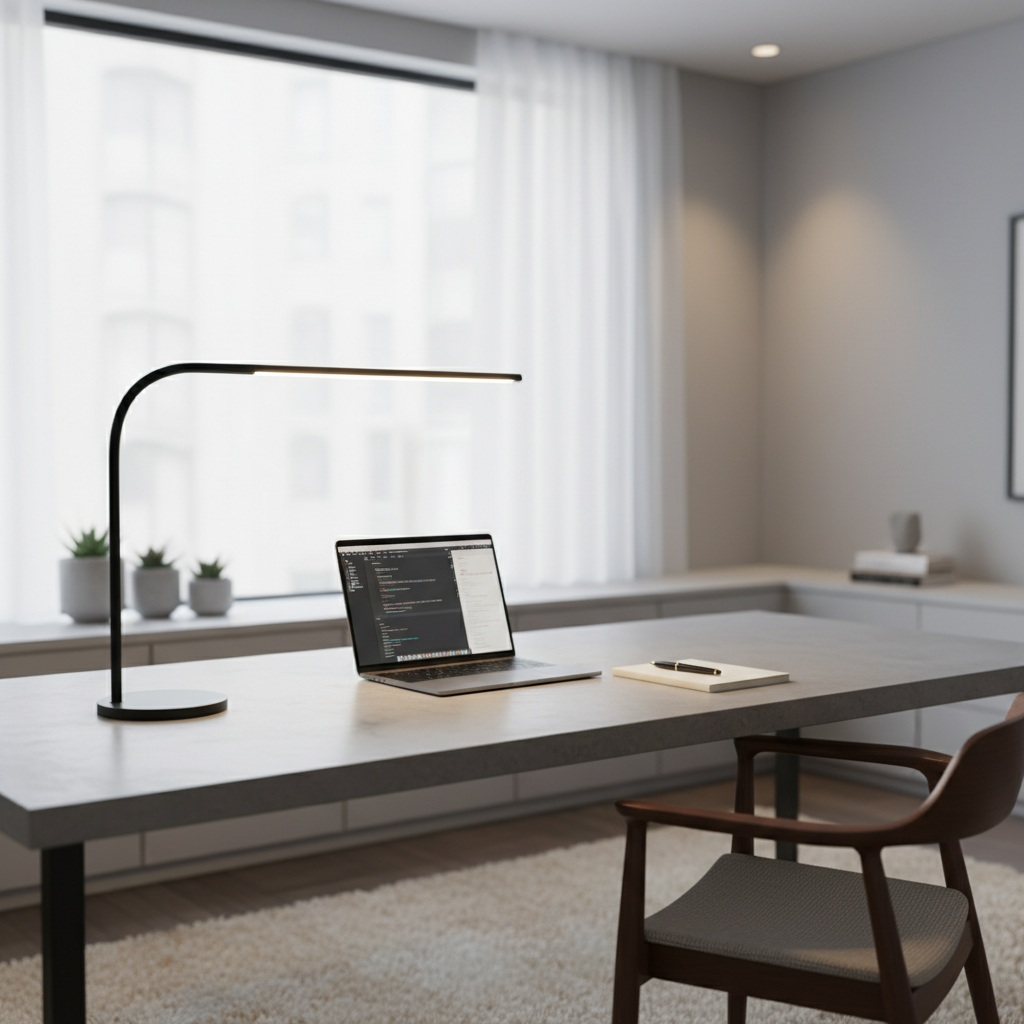
This guide helps you pick a lamp that matches how you actually work: video calls, reading, handwriting, dual monitors, small desks, or shared spaces. You’ll get a quick comparison table, a self-check list, and a few setup tips that often matter more than the brand name.
What really makes a desk lamp “good” for home office and study
A desk lamp earns its keep when it creates comfortable, controllable light exactly where you need it, without blasting your eyes or bouncing into your screen. Specs help, but how you use the lamp matters just as much.
- Adjustable brightness: Dimming lets you match daylight changes and avoid over-lighting at night.
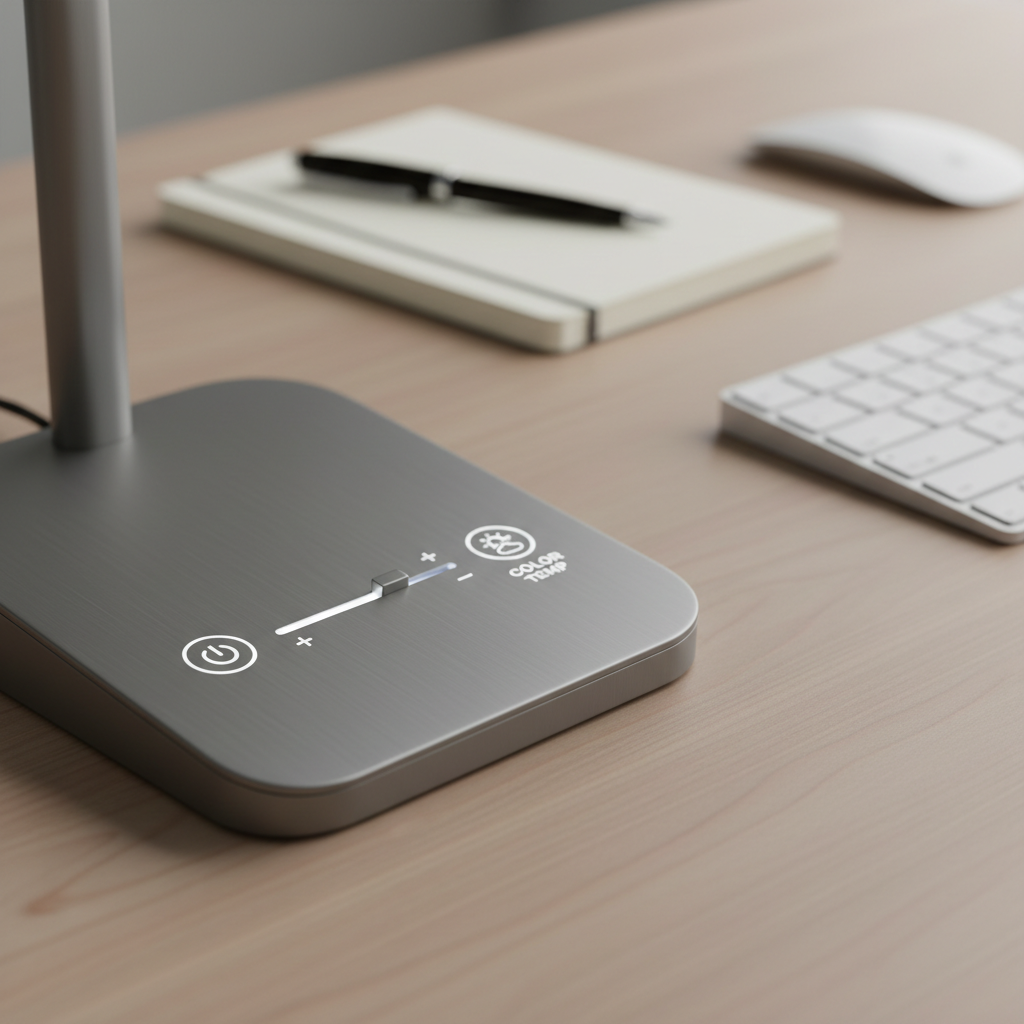
- Color temperature control: Warm to cool settings help you switch between relaxing tasks and detail work.
- Good diffusion: A well-diffused LED head reduces hot spots and harsh shadows.
- Flexible positioning: A long arm or wide pivot range helps aim light away from your monitor.
- Stable base and footprint: Especially on small desks, wobble is a daily annoyance.
According to Illuminating Engineering Society (IES), good task lighting focuses light on the work area while minimizing glare. You don’t need to memorize standards, but you do want a lamp that can be aimed and softened so your eyes do less “work” all day.
Quick comparison: desk lamp types and who they fit best
If you feel stuck between “architect lamp,” “LED bar,” and “clamp light,” this table usually clears it up in a minute.
| Type | Best for | Pros | Trade-offs |
|---|---|---|---|
| LED swing-arm (architect style) | Writing, drafting, flexible desks | Highly adjustable angle and reach | Can create sharper shadows if diffusion is weak |
| LED panel/head with dimmer | General office work, mixed tasks | Smoother light, easy brightness control | Less precise aiming vs long swing-arms |
| Clamp lamp | Small desks, dorms, monitor shelves | Saves space, stable placement | Needs a good mounting edge, clamp marks possible |
| Monitor light bar | Keyboard and desk surface lighting | Reduces desk shadows, clean look | Not ideal as the only light for reading on paper |
| Classic shaded lamp | Cozy rooms, ambient + some task light | Softer vibe, decorative | Often less directional, may be too dim for study |
How to choose: brightness, color temperature, and CRI without overthinking
When people search for the best desk lamps for home office use, they’re usually trying to solve one of two problems: “I can’t see well” or “my eyes feel tired.” These specs map to those problems pretty directly.
Brightness (lumens) and dimming
For task lighting, a lamp in the rough range of 400–1,000 lumens often works in home setups, but the key is having a dimmer so you can land where it feels right. A lamp that’s “bright enough” but not dimmable can still be annoying at night.
Color temperature (Kelvin)
- 2700K–3000K (warm): calmer feel, evening work, low-glare vibe.
- 3500K–4000K (neutral): a safe default for office tasks.
- 5000K–6500K (cool/daylight): crisp contrast for detail work, but can feel harsh in a dark room.
If you work late, it can help to shift warmer and dimmer. Sleep and light sensitivity vary a lot by person, so if lighting changes affect your sleep or headaches, it may be worth asking a healthcare professional.
CRI (color rendering)
CRI 90+ usually means colors look more “true,” which matters for design work, photo review, or anything where paper color and ink contrast matter. For spreadsheets and email, it’s nice-to-have, not mandatory.
Self-check: what lighting problem are you actually trying to fix?
Before buying anything, take 60 seconds and be honest about what’s annoying you. Different complaints point to different lamp features.
- Glare on the monitor → you need better positioning (side lighting), lower brightness, or a more diffused head.
- Shadows over your notebook → you need a longer arm reach or light coming from your non-writing side.
- Eye fatigue after reading → you likely need steadier light, dimming, and a neutral color temperature.
- Desk feels cluttered → clamp lamp or monitor light bar can free surface space.
- Video calls look bad → desk lamp alone rarely fixes this; consider adding a soft front light (even a small panel) and keep the desk lamp for task lighting.
If you share a room, also check whether your current light spills across the space. A lamp with a more controlled beam and lower max brightness can keep peace with whoever’s nearby.
Practical setup tips (this is where most people win)
Even the best desk lamps for home office work can feel wrong if placement is off by a foot. Setup tends to beat specs.
Place the lamp to the side, not behind the monitor
For most desks, position the lamp on the opposite side of your writing hand so your arm doesn’t cast a shadow over the page. Aim the light toward your work area, not your eyes.
Control reflection and glare
- Angle the lamp head downward so the bright source stays out of your direct view.
- If you see a bright streak on your screen, shift the lamp farther to the side or slightly behind you.
- Consider matte screen settings or a monitor hood if your space has unavoidable reflections.
Layer light, don’t rely on one beam
A desk lamp works best with some ambient room light. In a very dark room, any task light can feel intense. According to U.S. Department of Energy (DOE), LED lighting is efficient and common for task use; pairing a dimmable desk lamp with gentle ambient lighting often feels more comfortable than cranking one lamp to max.
Recommended “best desk lamp” picks by scenario (not brand hype)
I’m not going to pretend one lamp wins for every desk. Here are profiles that usually work well in the real world, so you can shop faster and filter smarter.
If you write or study on paper for hours
- Choose: swing-arm LED with wide head, strong dimming, CRI 90+ if possible
- Look for: long reach, stable joints, broad diffusion panel
If you’re mostly on a laptop with limited space
- Choose: clamp lamp or compact LED head with small base
- Look for: simple controls, no-fuss positioning, USB charging only if you truly need it
If you use dual monitors and hate screen glare
- Choose: diffused LED panel lamp with a wide spread, or a monitor light bar plus a small desk lamp for paper tasks
- Look for: wide beam and careful aim, not “max brightness” marketing
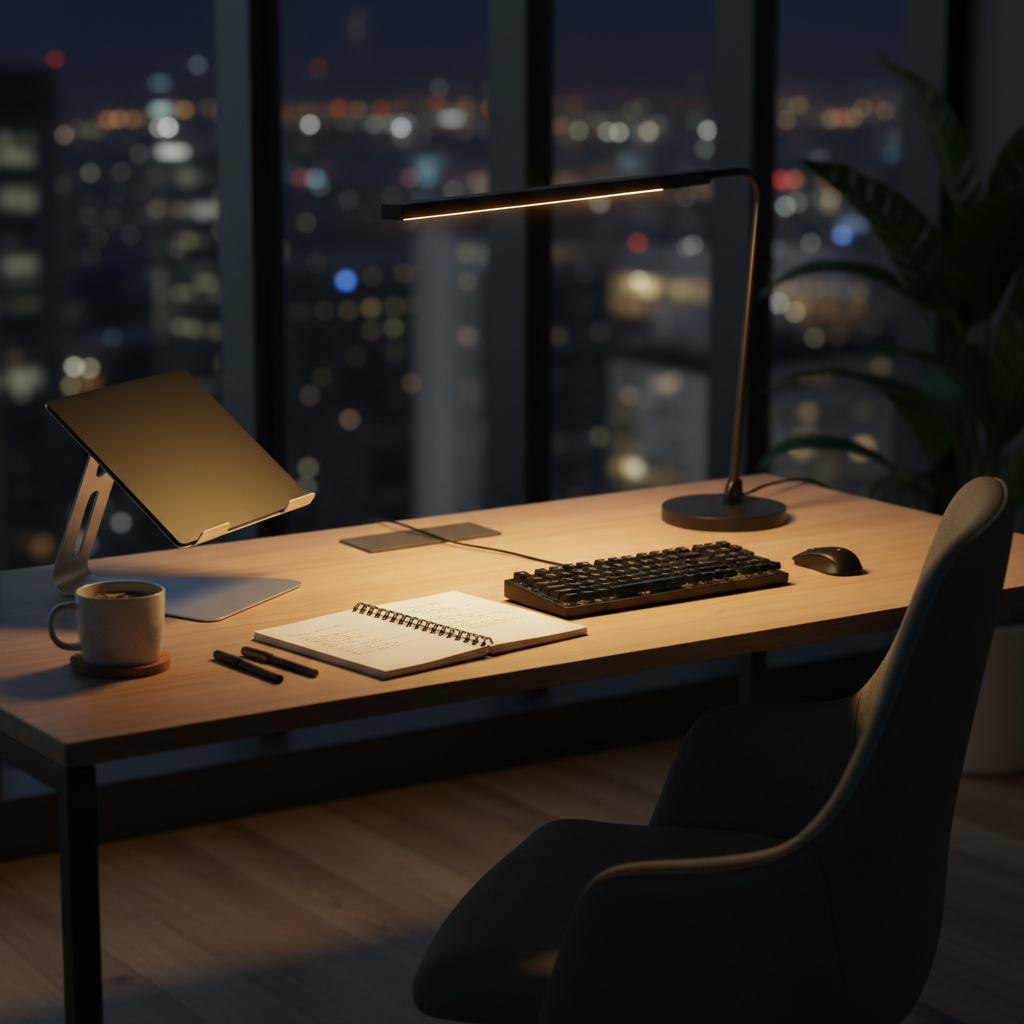
If you work late nights and want a calmer feel
- Choose: lamp with warm presets and smooth dimming
- Look for: flicker-free claims from reputable brands, simple warm modes
Common mistakes to avoid (and a few safety notes)
These are the traps that lead to returns, or worse, a lamp that sits on your desk and annoys you daily.
- Buying “daylight” only: cool-only lamps can feel clinical at night; adjustable temperature tends to age better.
- Ignoring the base and arm reach: if you can’t aim it where you work, the best features don’t matter.
- Over-lighting a dark room: blasting a bright task lamp in a dark space can feel harsh; add a soft room light instead.
- Assuming “LED” means comfortable: LED quality varies, and some people are sensitive to flicker; if you get headaches, consider trying a different lamp type and consult a professional if symptoms persist.
- Messy cable routing: a lamp with a clean cord path keeps your work zone calmer than you expect.
Also check basics: stable placement, heat management, and a safe clamp surface. If you’re using a clamp lamp on thin MDF furniture, a protective pad can prevent dents.
Key takeaways + a simple buying checklist
If you want one clean plan: pick a lamp you can aim, dim, and live with at 9 p.m. The rest is preference.
- Must-have: dimming + adjustable positioning
- Nice-to-have: color temperature control, CRI 90+
- Desk-space saver: clamp mount or slim base
- For screens: prioritize diffusion and side placement to cut glare
Action steps: measure your desk depth, decide where the lamp can sit or clamp, then shop within the lamp type that fits your scenario. That’s usually how people end up with the best desk lamps for home office work without overpaying or overthinking.
FAQ
What are the best desk lamps for home office work if I get screen glare?
Look for a lamp with a diffused head and flexible arm so you can place it to the side and aim it down at the desk surface. In many rooms, glare is more about placement than power.
How bright should a desk lamp be for studying?
Many people do well with a few hundred lumens up to around 1,000 for task work, but dimming matters more than chasing a single number. Your room lighting and desk color change what “enough” feels like.
Is 5000K or 3000K better for a home office?
Neutral settings around 3500K–4000K often feel balanced for long work sessions. Cooler light can help with detail work, while warmer light tends to feel easier at night, so adjustable temperature is a practical win.
Are monitor light bars enough as a desk lamp replacement?
They can work for keyboard and general desk visibility, especially in tight setups, but they’re often not ideal for paper reading or detailed handwriting. Many people pair a light bar with a small adjustable lamp.
What does “flicker-free” actually mean on desk lamps?
Usually it means the driver design reduces noticeable flicker. Sensitivity varies, and marketing language can be fuzzy, so if you’re prone to headaches, buy from retailers with easy returns and consider consulting a professional if discomfort continues.
Where should I put my desk lamp if I’m right-handed?
Typically on the left side so your writing hand doesn’t cast a shadow across the page. For left-handed users, swap sides, then fine-tune to reduce screen reflections.
If you’re trying to upgrade your lighting without turning it into a whole project, start by choosing a lamp type that fits your desk space, then prioritize dimming and easy positioning. If you want, share your desk size, monitor setup, and typical work hours, and I can suggest a short list of lamp styles that usually fit that exact scenario.